
Tray Widget
The Wirechat Tray adds a compact floating chat entry point to shared authenticated layouts without leaving the current page.
Placing It In A Layout
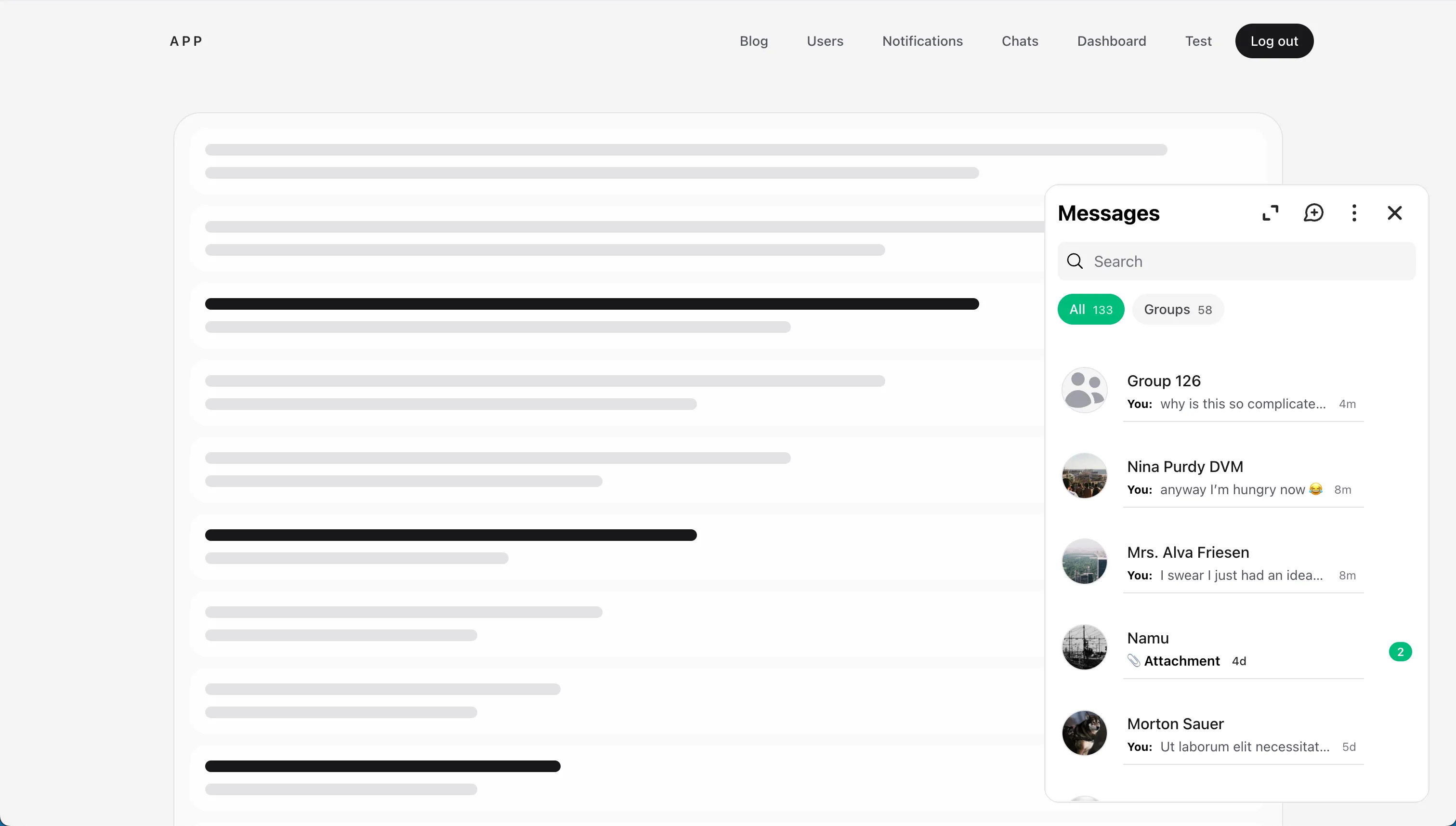
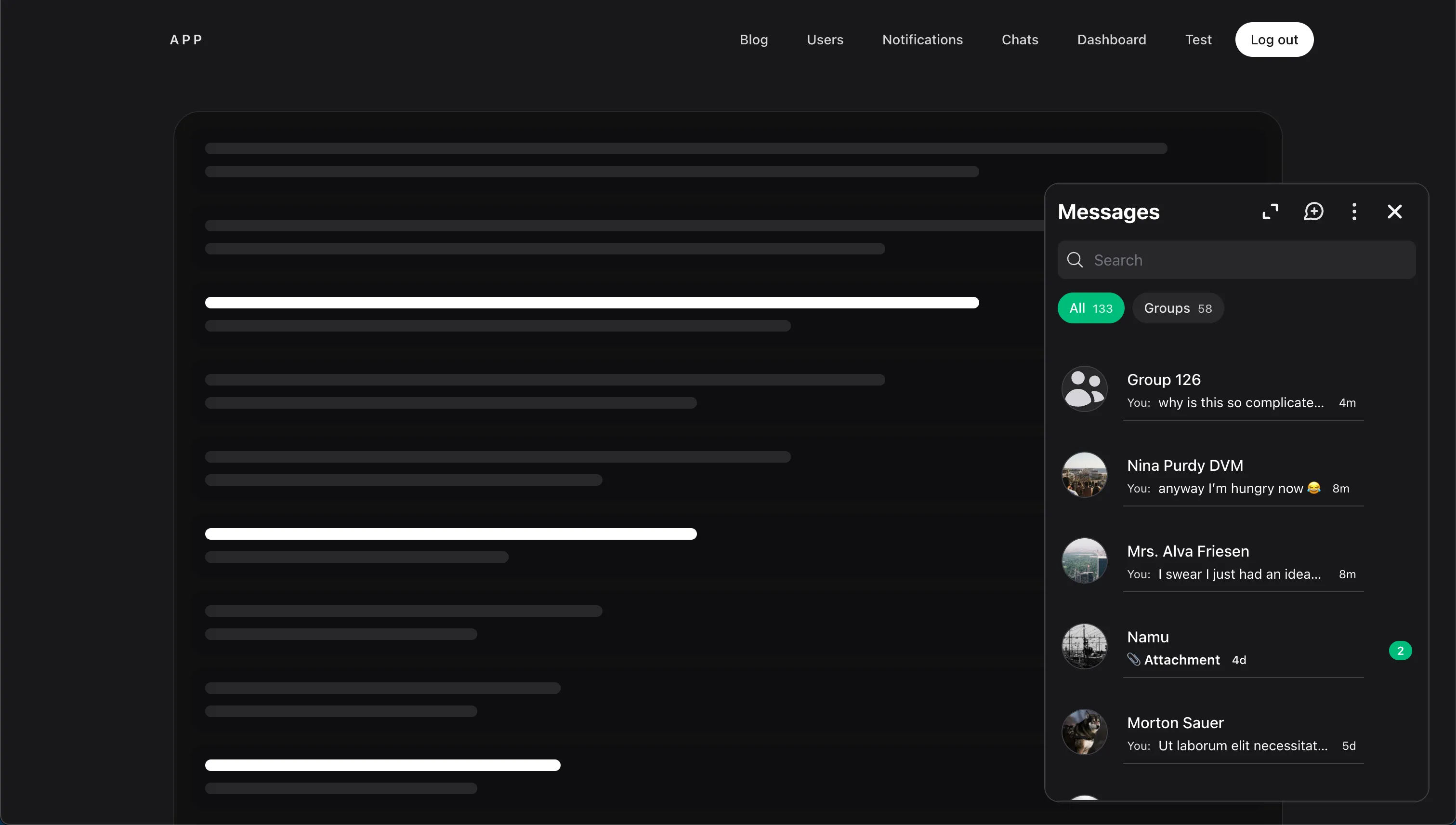
Render the Tray in a shared authenticated layout so it stays available across the parts of your application where chat matters.
<html>
    <head>
        @wirechatStyles
    </head>
    <body>
        ...

        @wirechatAssets()
        @auth
            <livewire:wirechat.tray panel="chats" />
        @endauth
    </body>
</html>
This is a good place to render it when chat should stay available throughout the authenticated part of your application.
By default, the widget renders as a fixed floating tray in the bottom-right corner.
Keeping It Mounted
If you want the Tray to stay mounted across persisted page transitions, you may wrap it in @persist('wirechat-tray'):
@persist('wirechat-tray')
    @auth
        <livewire:wirechat.tray panel="chats" />
    @endauth
@endpersist
This is optional, but it can be a good fit when you want the Tray to feel more continuous across the app.
How It Works
When the Tray is closed, it shows a compact summary bar with:
- a
Messageslabel - an unread badge when unread conversations exist
- recent conversation avatars
When the Tray is opened, Wirechat loads the full floating chat interface inside the tray.
Using A Panel
If your application has a default panel, the Tray can be rendered without passing anything else.
If you need to target a specific panel, you may pass either a panel ID or a panel instance.
Panel ID
<livewire:wirechat.tray panel="chats" />
This is useful when the current layout already knows which Wirechat panel it should use.
Recent Conversation Limit
Use limit to control how many recent conversations the widget loads for its summary:
<livewire:wirechat.tray panel="chats" :limit="8" />
Wirechat uses that collection to calculate the unread summary and recent conversation preview shown by the tray.
Customizing The Tray
Use class to add custom classes to the opened tray panel:
<livewire:wirechat.tray class="bottom-3 right-3 w-[28rem]" />
Use launcherClass to customize the closed tray launcher:


<livewire:wirechat.tray launcherClass="rounded-full px-4 py-2 shadow-lg" />
Use heading to change the label shown in the launcher and the tray chats header:
<livewire:wirechat.tray heading="Inbox" />
You may combine them when you need to adjust both the tray panel and the launcher:
<livewire:wirechat.tray
    class="bottom-3 right-3 w-[28rem]"
    launcherClass="rounded-full px-4 py-2 shadow-lg"
    heading="Inbox"
/>
Panel Relationship
The Tray uses a Wirechat panel to resolve the chat experience it should open.
That means it follows the same panel configuration for routes, middleware, actions, tabs, attachments, and other panel-level features. If you need help configuring the panel itself, see the Panels page.
The tray expand control links to the panel's generated chats page by default. If generated chat routes are disabled, configure mountUrl() on the panel so the expand control can point to the page where Wirechat is mounted:
use Wirechat\Wirechat\Panel;

public function panel(Panel $panel): Panel
{
    return $panel
        // ...
        ->registerRoutes(false)
        ->mountUrl('/app/messages');
}
If generated routes are disabled and no mount URL is configured, the expand control is hidden.
Notes
- The widget requires an authenticated user before it can load.
- Render the Tray once in a shared layout rather than mounting multiple instances on the same page.
- The floating chat interface is loaded when the tray opens, which keeps the closed state lightweight.
- In tray mode, Wirechat includes tray-specific controls such as closing the tray and opening the full chats page.
- For a full embedded chat surface instead of a floating entry point, see the Standalone Widget guide.