
Private Chats
Private chats give two users a focused conversation thread for direct messages, customer follow-ups, marketplace questions, and support.
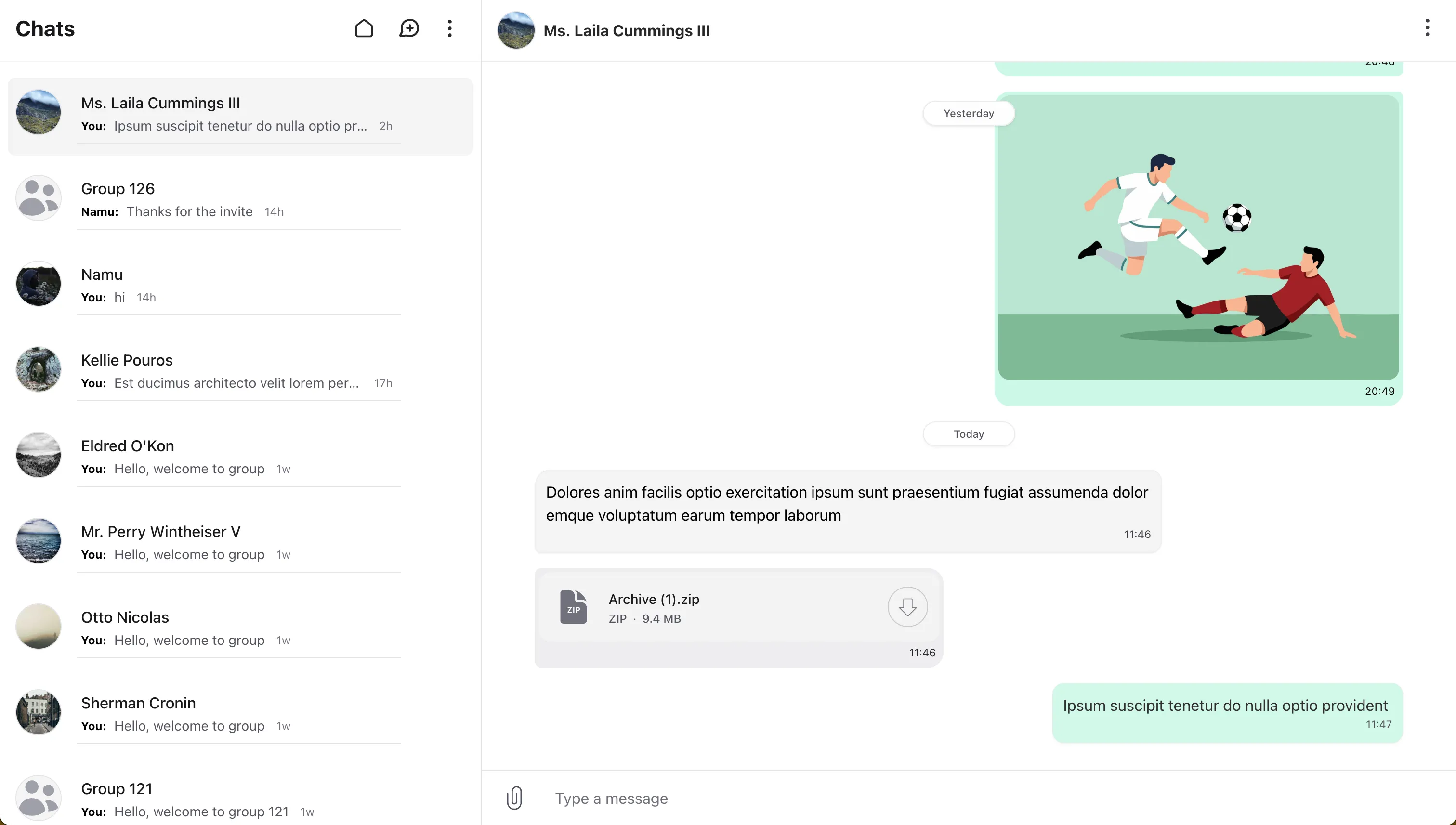
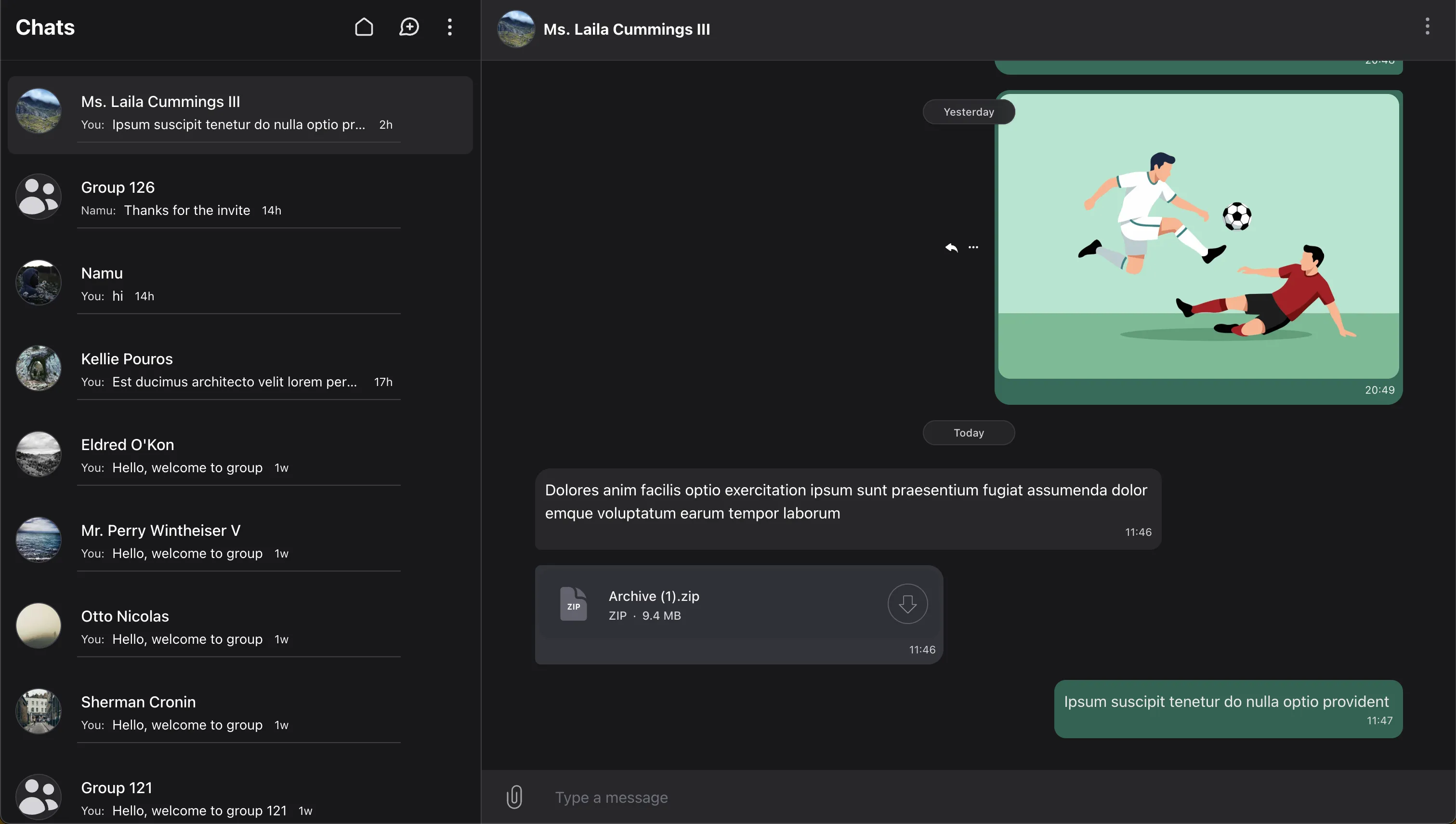
This page covers the private chat flow end to end: enabling chat creation, controlling who can start or receive messages, creating conversations from code, filtering chat lists, and configuring actions such as clearing or deleting a chat.
Creating Chats
To allow users to create new chats, enable the action in your Wirechat panel:
use Wirechat\Wirechat\Panel;

public function panel(Panel $panel): Panel
{
    return $panel
        //...
        ->createChatAction();
}
When this action is disabled, users won’t see the option to create new chats in the UI.
Customize the header action icon and attributes on the Actions page.
Create Using the Wirechat UI
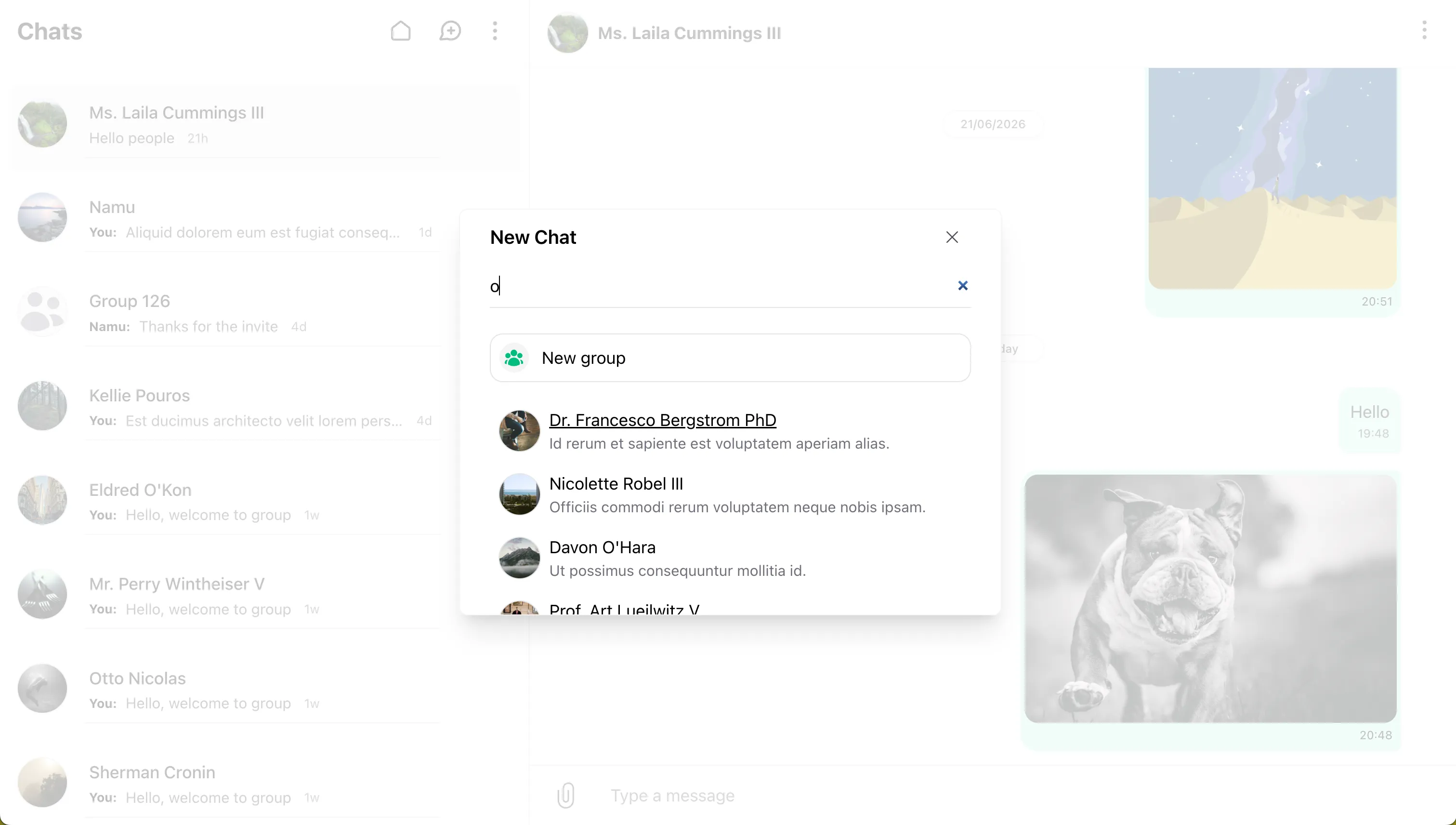
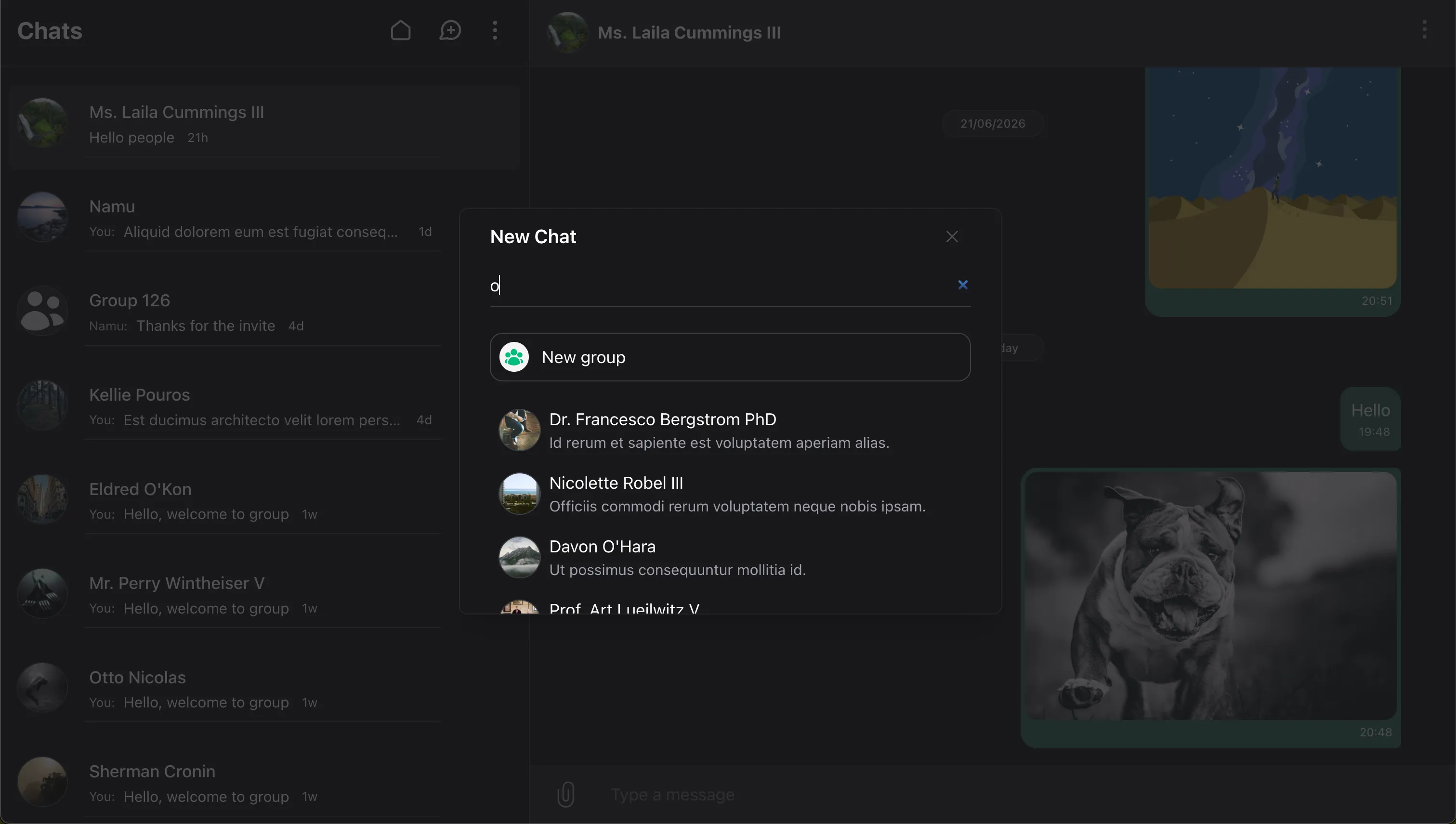
- Click the Plus icon in the chat list.
- Search for and select a user.
- Click on the user’s name to open the private thread.
Customize users returned by the new-chat search on the Users page.
The default new-chat UI can also start a message request when the recipient should review the first message before joining the conversation.
Privacy And Access
Private chat access rules belong on your application user model, usually app/Models/User.php. This should be the same model that implements WirechatUser and uses InteractsWithWirechat.
namespace App\Models;

use Illuminate\Database\Eloquent\Model;
use Illuminate\Foundation\Auth\User as Authenticatable;
use Wirechat\Wirechat\Contracts\WirechatUser;
use Wirechat\Wirechat\Traits\InteractsWithWirechat;

class User extends Authenticatable implements WirechatUser
{
    use InteractsWithWirechat;

    public function canCreateChats(): bool
    {
        return $this->hasVerifiedEmail();
    }

    public function canSendMessageTo(Model $recipient): bool
    {
        return ! $this->hasBlocked($recipient)
            && ! $recipient->hasBlocked($this);
    }
}
canCreateChats() decides whether the authenticated user can start private chats. canSendMessageTo() decides whether that user can message the selected recipient.
Wirechat checks these rules when private chats, message requests, and private messages are created. For a full guide to chat privacy and participant access, see Privacy.
Creating a Private Chat Programmatically
With another user:
$otherUser = User::first();
$auth = auth()->user();
$conversation = $auth->createConversationWith($otherUser, 'Optional message');
With yourself:
$auth = auth()->user();
$conversation = $auth->createConversationWith($auth, 'Optional message');
Note: If a conversation already exists between the two participants, it will be returned instead of creating a new one.
Modifying The Chats List Query
modifyConversationsQuery()
Use modifyConversationsQuery() when a panel should only list a specific kind of conversation, such as private chats.
use Illuminate\Database\Eloquent\Builder;
use Wirechat\Wirechat\Enums\ConversationType;
use Wirechat\Wirechat\Panel;

public function panel(Panel $panel): Panel
{
    return $panel
        // ...
        ->modifyConversationsQuery(function (Builder $query) {
            return $query->where('type', ConversationType::PRIVATE);
        });
}
The callback receives the conversations query. It can also receive the authenticated model when the filter needs user-specific data. You may mutate the builder directly or return a builder.
Wirechat applies this hook before ordering and cursor pagination. Use it for list filtering, such as showing only private, self, or group conversations. Keep authorization rules enforced in your application middleware or policies.
For the full panel API, see Panels.
Organizing Chat Views
Use Tabs to organize the chats list into focused views such as unread conversations, groups, or custom filters. Conversation tabs are available in Wirechat Pro.
Deleting Chats
Deleting a chat removes it from your list only and clears its messages for you. Other participants keep their copy. In private chats, the chat stays deleted for you unless a new message is sent or received.
Configure Delete Action
The delete action is disabled by default. You can enable it from your panel:
use Wirechat\Wirechat\Panel;

public function panel(Panel $panel): Panel
{
    return $panel
        //...
        ->deleteChatAction();
}
Icon customization for this action is documented on the Actions page.
How to Delete
-
UI Instructions
- Open a chat.
- Choose Delete Chat from the menu or Chat Info.
-
Programmatically
$auth = auth()->user();
$conversation = $auth->conversations()->first();
$conversation->deleteFor($auth);
When you delete a chat, a conversation is permanently removed only if all participants delete it or if it is a self-chat.
Clearing Chats
Clearing removes all messages for you but keeps the conversation visible for other participants.
Configure Clear Action
The clear action is disabled by default for private chats. You can enable it from your panel:
use Wirechat\Wirechat\Panel;

public function panel(Panel $panel): Panel
{
    return $panel
        //...
        ->clearChatAction();
}
The broader private chat action API is documented on the Actions page.
How to Clear
-
UI Instructions
- Open a chat.
- Select Clear Chat History from the menu or Chat Info.
-
Programmatically
$auth = auth()->user();
$conversation = $auth->conversations()->first();
$conversation->clearFor($auth);