
C2C and marketplace conversations
Let buyers ask sellers about a listing, project, service, or order before checkout, with the thread tied to the thing they are discussing.
The pitch - Wirechat
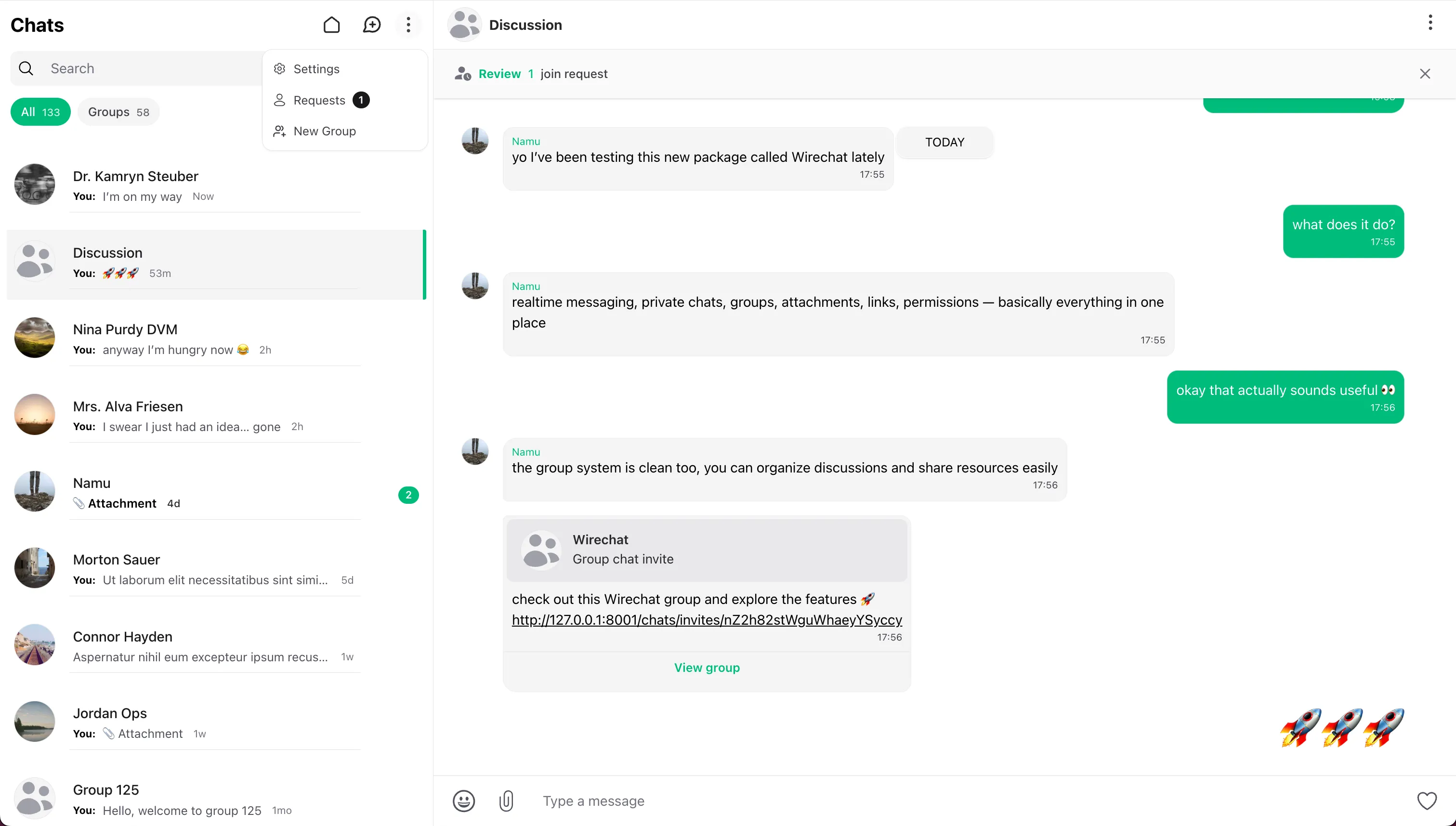
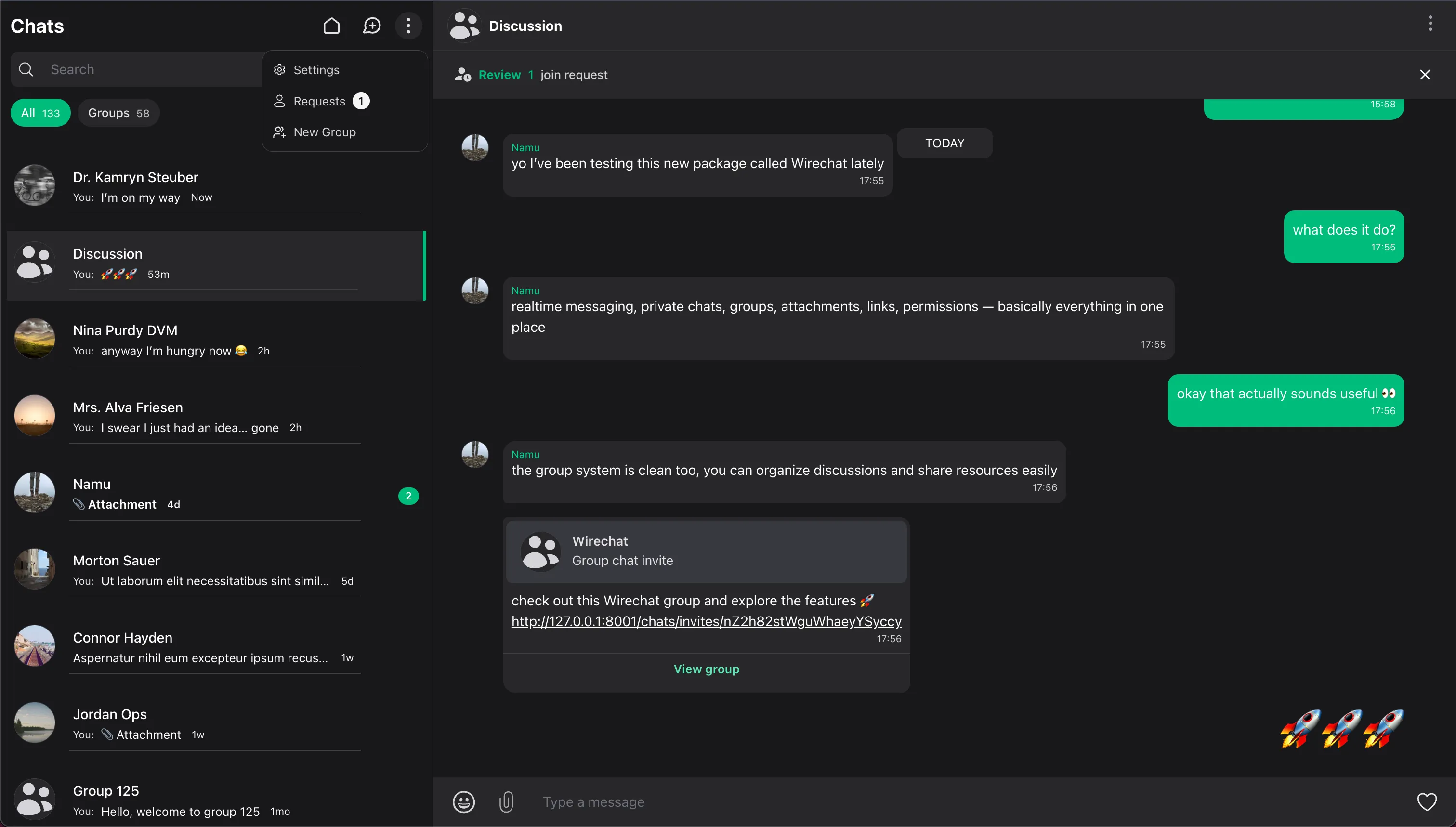
This is where Wirechat comes in: a Laravel Livewire chat package for realtime chat, private chats, group chats, attachments, and product messaging.
Start with direct messages and add group conversations whenever your Laravel product needs teams, communities, customers, or member spaces.
Built-in encryption, realtime messaging, attachments, permissions, and extensible configuration help you ship chat features that would otherwise take weeks or months to build yourself.
Use Wirechat as a full messaging page, embed it anywhere in your application, or keep it available from a floating tray that follows users throughout your app.
Wirechat is strongest when conversation belongs to the product experience: marketplaces, support, communities, teams, service workflows, embedded pages, persistent trays, and records that need their own thread.
Let buyers ask sellers about a listing, project, service, or order before checkout, with the thread tied to the thing they are discussing.
Give users, customers, providers, or members a direct conversation channel with access rules from your Laravel app.
Create shared rooms for teams, customer groups, communities, or project work, with roles, permissions, invite links, and join requests.
Attach chat to a listing, ticket, order, project, course, booking, or any model so messages stay in the right workflow.
Give users a full messages area when chat is a primary destination, with the conversation list and active room in one place.
Place full chat inside your own pages to fit your brand and platform layout.
Let users pull chat up, collapse it, and keep the conversation available while they move between pages.
Keep support conversations inside your product, next to the customer, account, ticket, or service request that needs attention.
Use message requests, user settings, permissions, and moderation tools when unknown users need a controlled way to start talking.
Once the conversation model is clear, turn on the Wirechat pieces your application needs and link straight into the docs for each capability.
Wirechat panels give you a working conversation surface first. From there, panel settings decide what the experience can do, where it appears, and how it fits the product you are building.
Run Wirechat as a full chat page, embed it inside your own page, or keep it available as a collapsible tray that follows users between pages.
Choose the pieces your product needs: private chats, groups, contextual conversations, invite links, requests, attachments, notifications, and security controls.
Panel configuration works with your users, models, policies, routes, and layouts, so each chat surface follows the rules of the product around it.
use Wirechat\Wirechat\Panel;

public function panel(Panel $panel): Panel
{
    return $panel
        ->id('messages')
        ->path('messages')
        ->middleware(['web', 'auth'])
        ->chatsSearch()
        ->attachments()
        ->deleteMessageActions(false)
        ->webPushNotifications();
}
Install Wirechat, open your first panel, then add Wirechat Pro features when your product needs richer conversation surfaces.