
Content Viewer
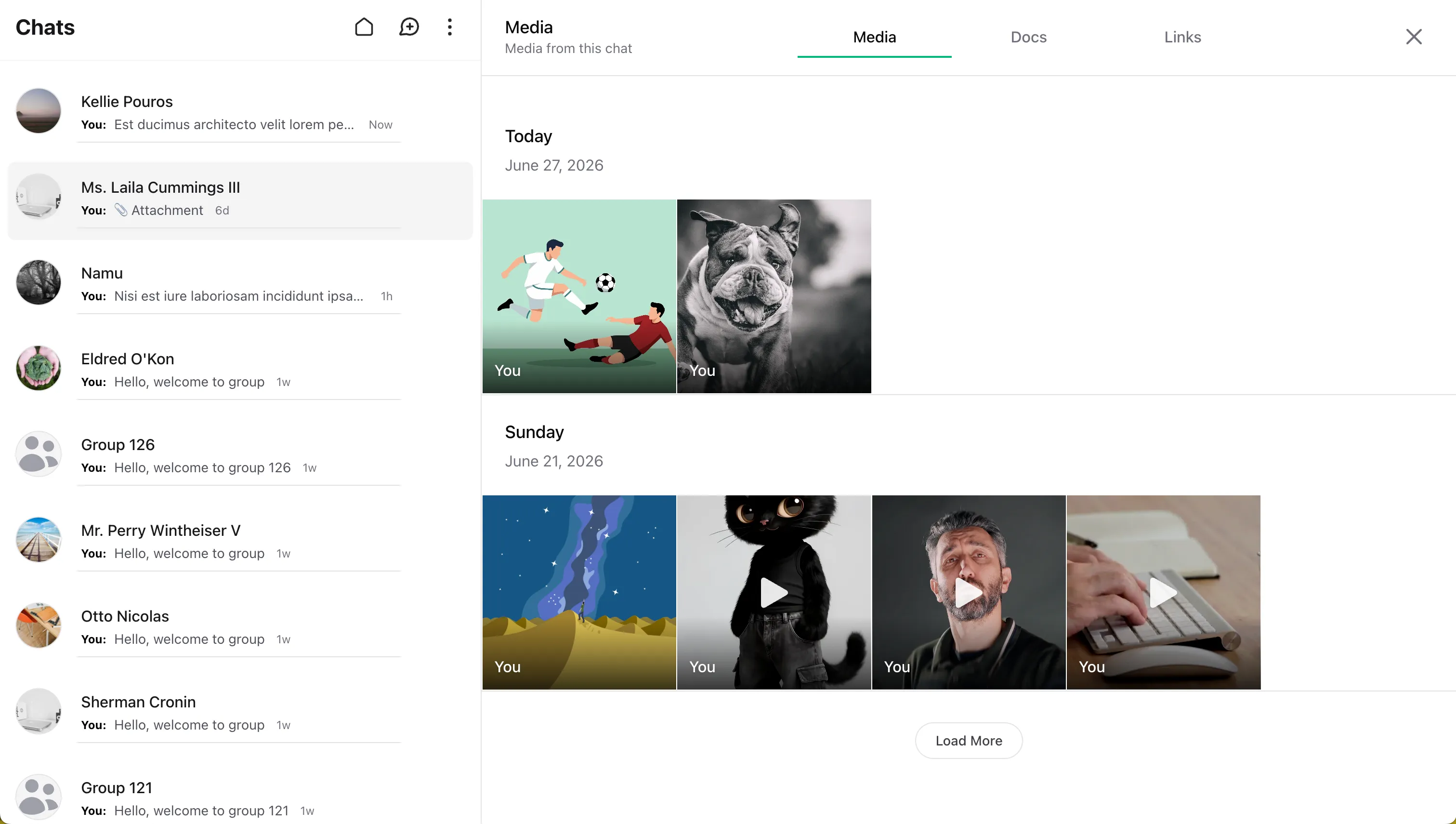
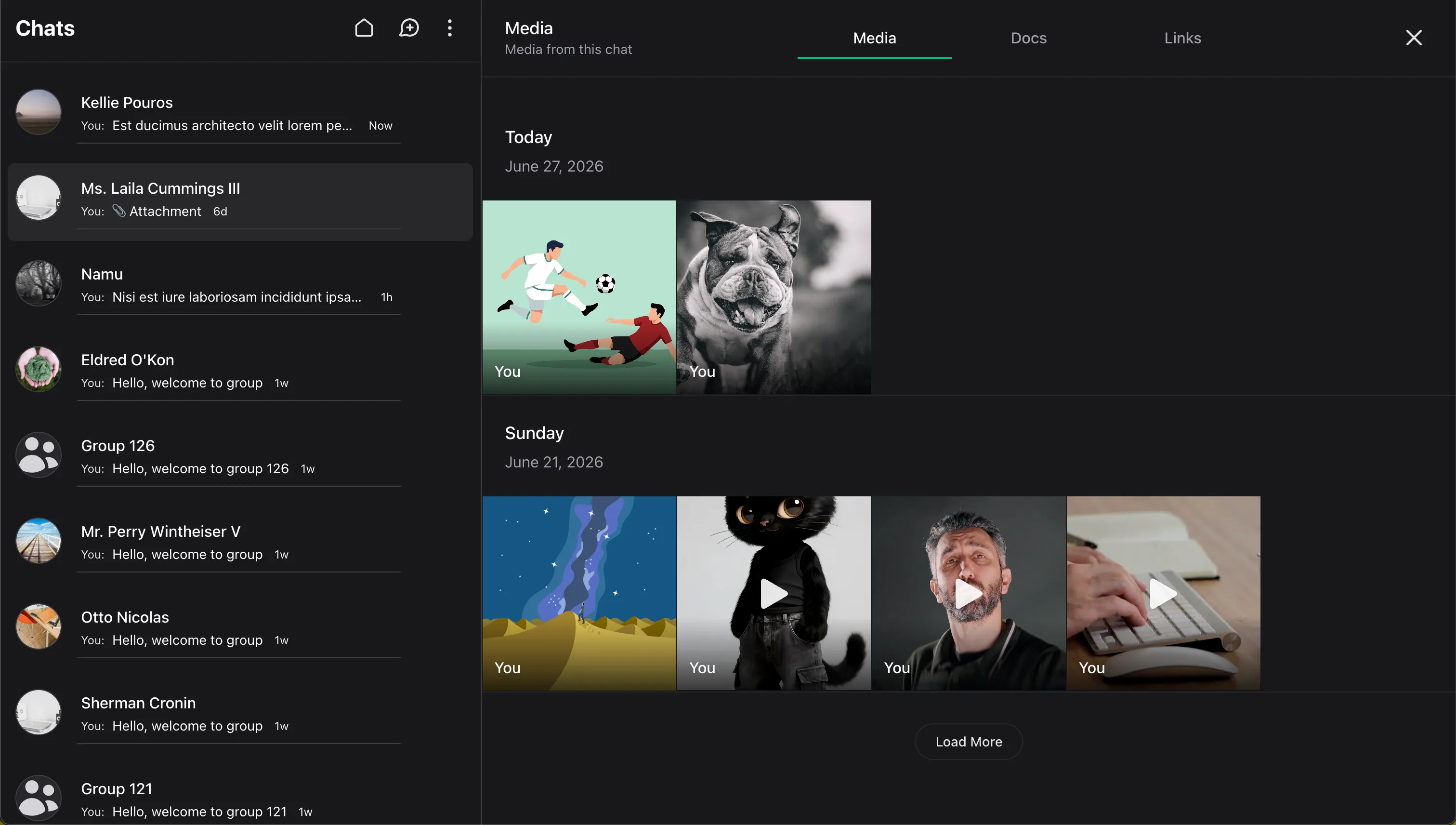
Content Viewer gives each conversation a dedicated place to browse shared media, documents, and links without leaving the chat interface.
When it is enabled, Wirechat adds a content preview section to the conversation details panel and opens a built-in viewer for that conversation. If your panel also supports attachments, the viewer gives users a built-in way to browse them alongside shared links.
Enabling The Viewer
Enable the feature with contentViewer() in your panel configuration:
use Wirechat\Wirechat\Panel;

public function panel(Panel $panel): Panel
{
    return $panel
        ->contentViewer();
}
Where It Appears
When content viewer is enabled, Wirechat shows a content preview entry in the conversation details panel for:
- direct chats
- group conversations
From there, users can open the viewer in a drawer and browse the conversation's shared content without leaving chat.
Content Types
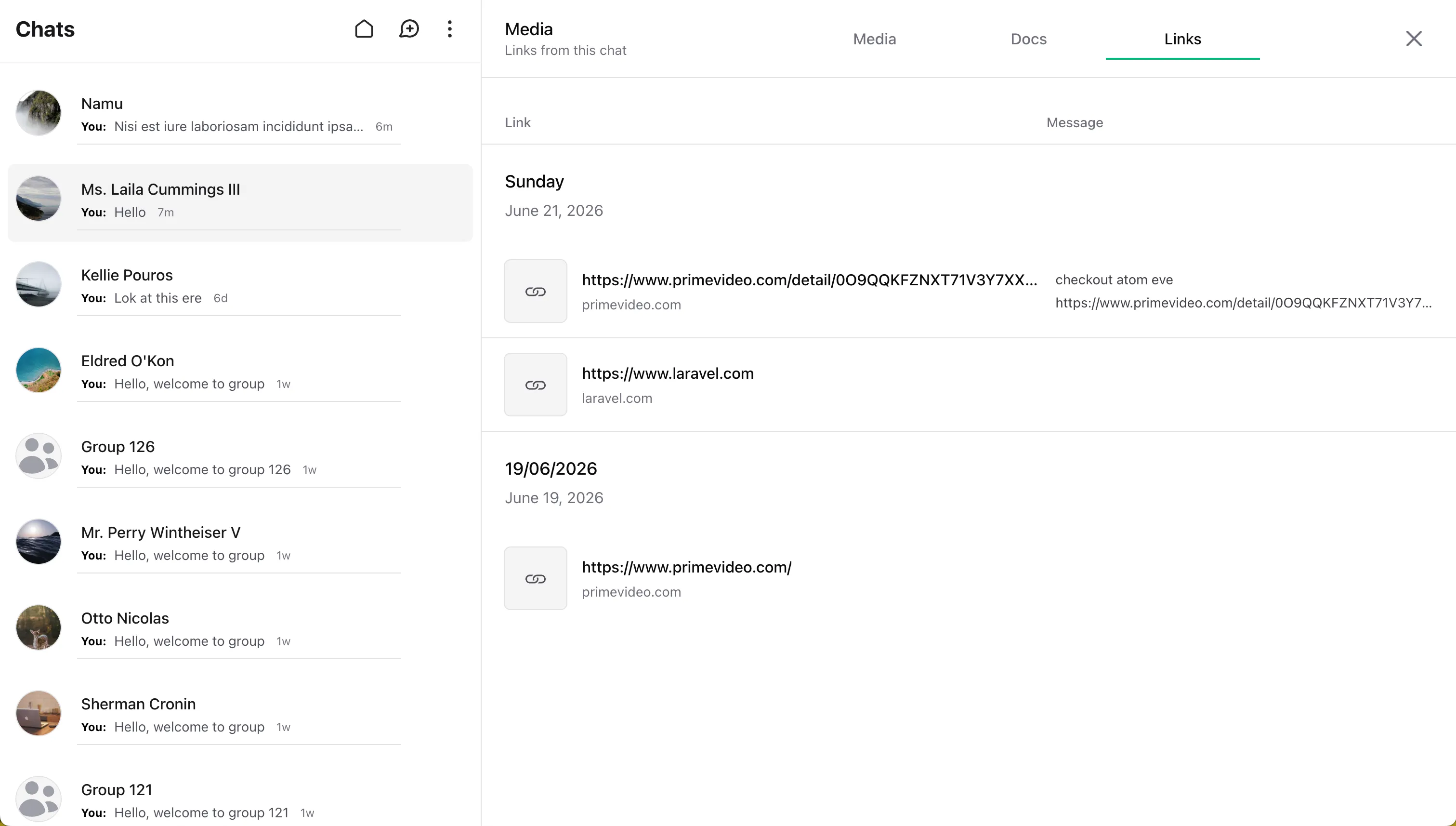
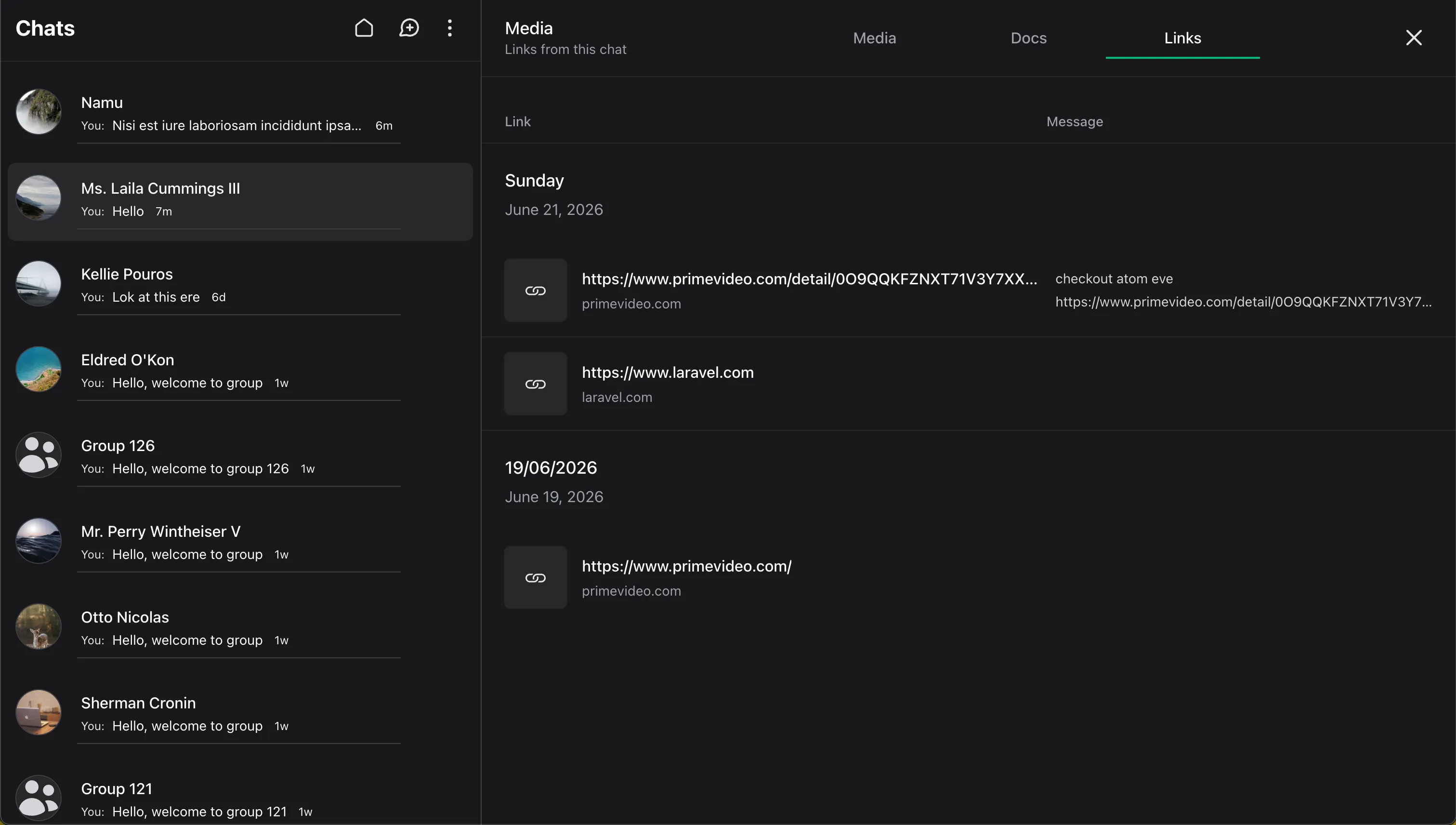
The viewer groups conversation content into three built-in types:
Media
Media shows image and video attachments shared in the current conversation.
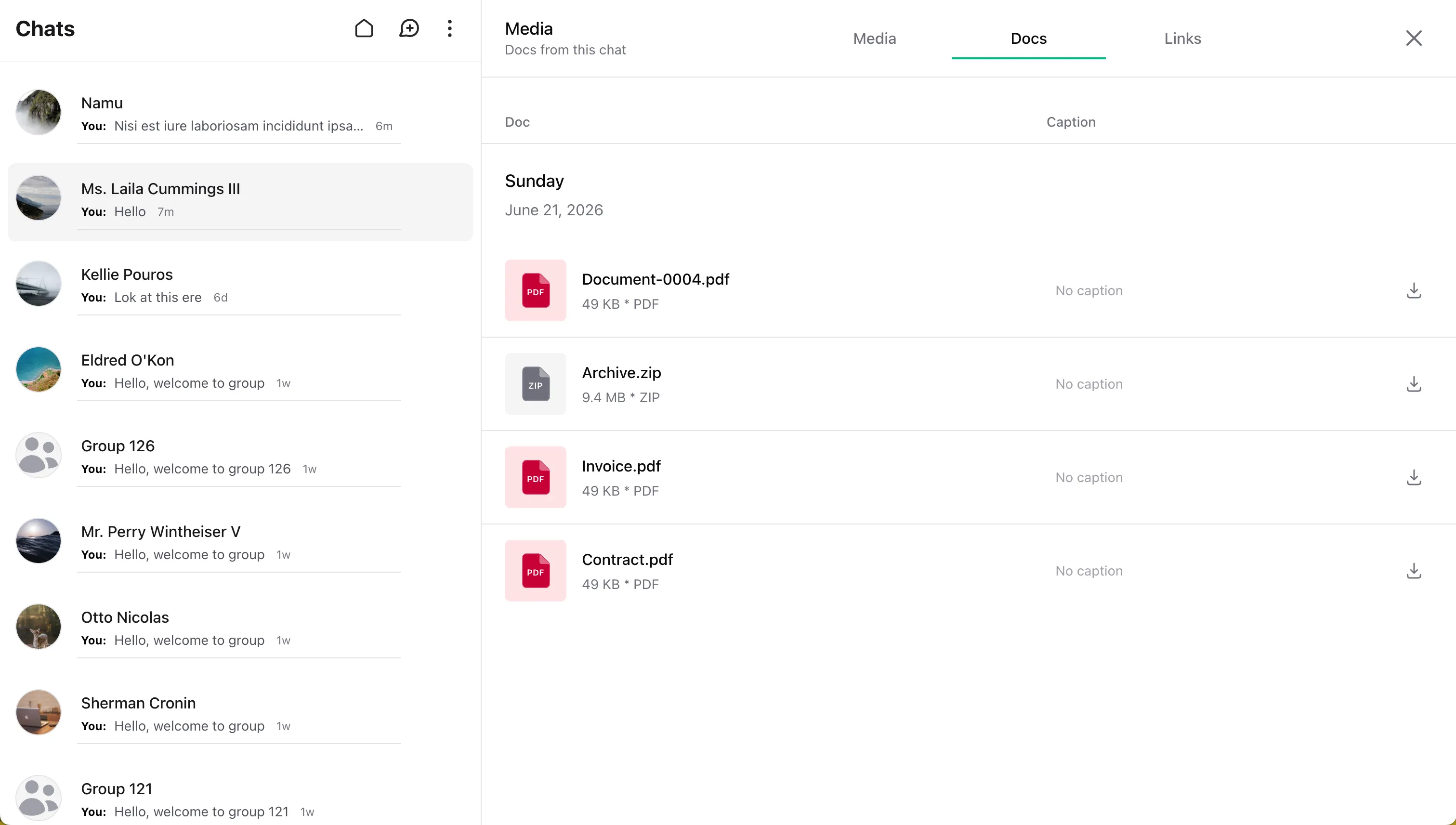
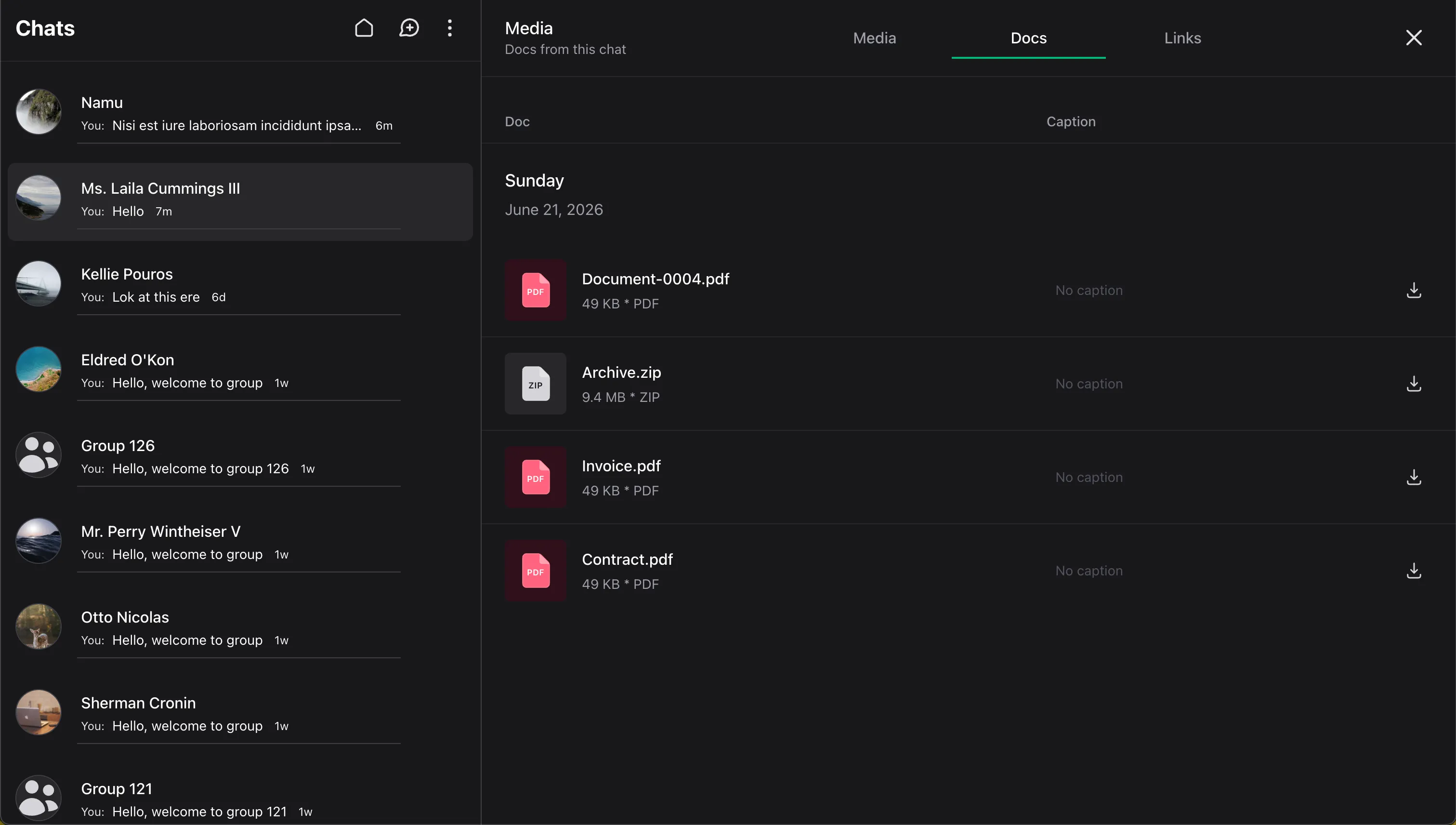
Docs
Docs shows non-media attachments such as PDFs, text files, and other documents.
Links
Links shows messages stored as link-type messages.
Conversation Context
The Content Viewer works at the conversation level.
Instead of opening one attachment in isolation, Wirechat loads content from the current conversation, groups it for browsing, and lets users move through that conversation's shared items from one place.
Back To The Message
The viewer stays connected to chat.
When a user selects an item from the viewer, Wirechat can jump back to the original message in the conversation and scroll it into view. This keeps attachments connected to the surrounding message context instead of treating them as disconnected files.
Complete Example
use Wirechat\Wirechat\Panel;

public function panel(Panel $panel): Panel
{
    return $panel
        ->id('chats')
        ->path('chats')
        ->middleware(['web', 'auth'])
        ->contentViewer();
}
Notes
contentViewer()enables browsing for the conversation viewer.- If your application also accepts uploads, configure attachment rules separately on the Attachments page.
- The viewer only loads content from the current conversation.
- Access follows the conversation itself, so users must be able to open that conversation before they can use the viewer.