
Conversation Contexts
Conversation contexts let a chat stay connected to the item, order, page, or record that users are talking about.
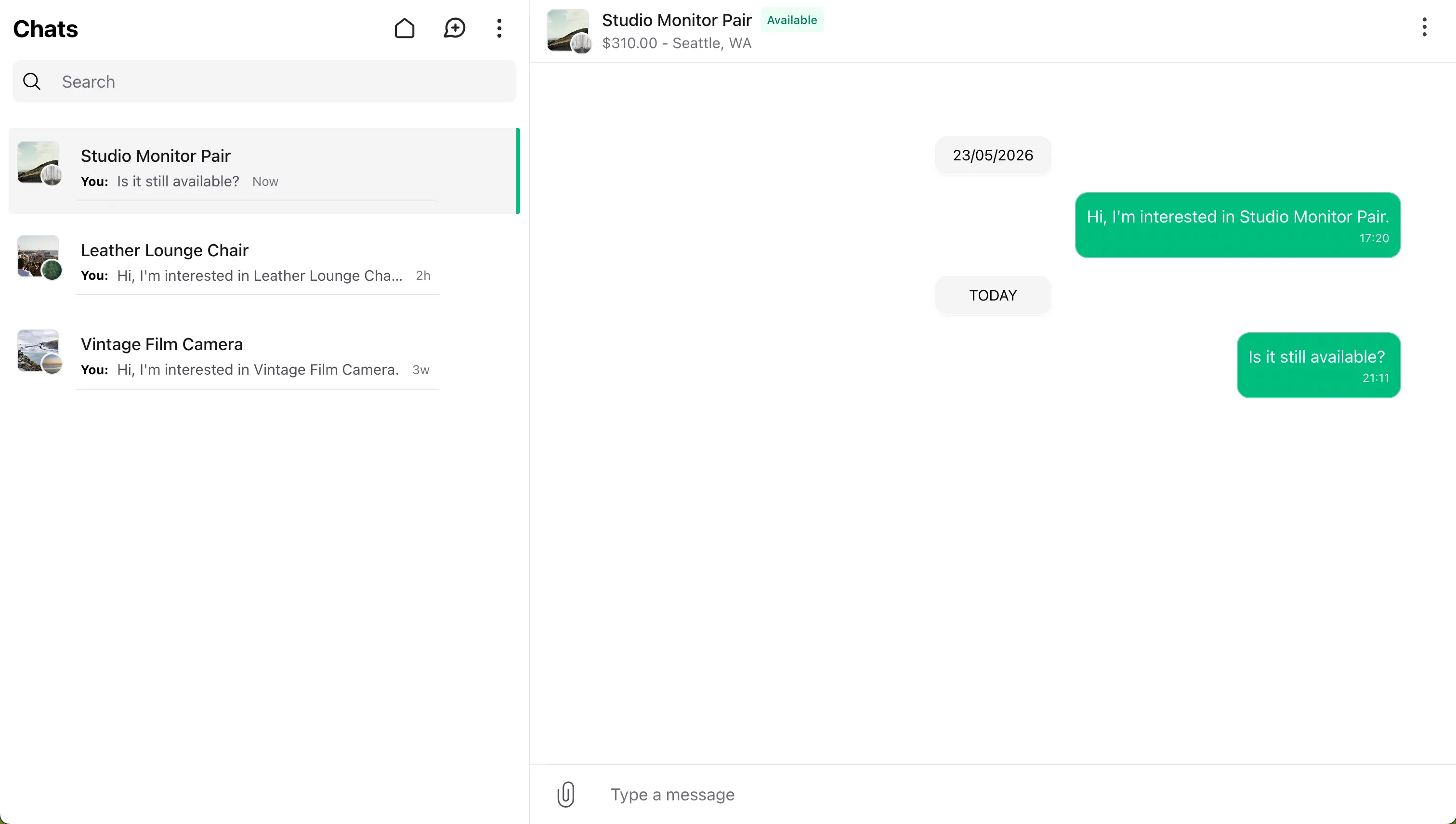
Imagine a customer-to-customer marketplace where a buyer can message a seller about a listing to ask about condition, availability, delivery, or other details before purchasing. The chat stays tied to that listing, so both users can see exactly what the conversation is about.
Enabling Context Conversations
Context conversations are enabled per panel:
use Wirechat\Wirechat\Panel;

public function panel(Panel $panel): Panel
{
    return $panel
        // ...
        ->conversationContexts();
}
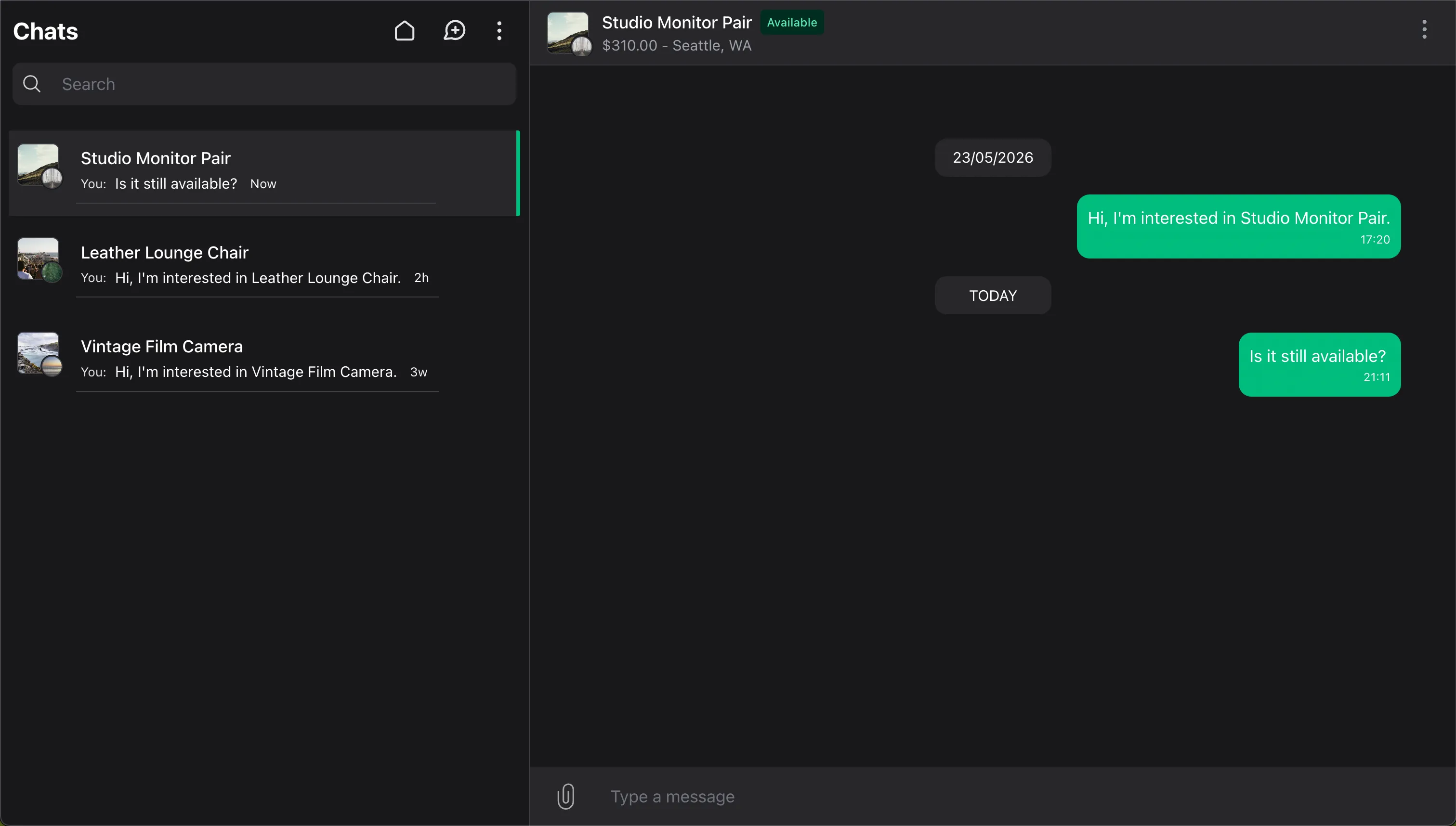
When enabled, Wirechat lists and opens context conversations in that panel. It also shows the context in the chats list, chat header, and chat info drawer.
Panels without conversationContexts() do not show or open context conversations. They do not fall back to showing the conversation as a normal private or group chat.
Conversations without a context are unchanged. Private chats, self chats, and groups still use the normal participant or group layout.
Contextable Models
Use the WirechatContext contract and Contextable trait on the model you want to attach to a conversation.
For example, add the contract and trait to a Listing model:
use Illuminate\Database\Eloquent\Model;
use Wirechat\Wirechat\Contracts\WirechatContext;
use Wirechat\Wirechat\Traits\Contextable;

class Listing extends Model implements WirechatContext
{
    use Contextable;
}
The contract gives the model a clear context API. The trait satisfies the contract and provides default behavior for relationships, availability, owner detection, and suggested messages. In most applications, override the methods that are specific to your domain:
use Illuminate\Database\Eloquent\Model;
use Wirechat\Wirechat\Contracts\WirechatContext;
use Wirechat\Wirechat\Traits\Contextable;

class Listing extends Model implements WirechatContext
{
    use Contextable;

    /**
     * @return array{
     *     heading: string,
     *     sub_heading: string,
     *     image: string|null,
     *     url: string,
     *     badge: string,
     *     badge_color: string,
     *     available: bool,
     *     unavailable_message?: string,
     *     suggested_messages?: array<int, string>
     * }
     */
    public function wirechatContext(): array
    {
        return [
            'heading' => $this->title,
            'sub_heading' => $this->formattedPrice(),
            'image' => $this->thumbnail_url,
            'url' => route('listings.show', $this),
            'badge' => 'Listing',
            'badge_color' => 'emerald',
            'available' => $this->wirechatContextAvailable(),
            'unavailable_message' => $this->wirechatContextUnavailableMessage(),
            'suggested_messages' => $this->wirechatContextSuggestedMessages(),
        ];
    }

    public function wirechatContextOwner(): ?Model
    {
        return $this->seller;
    }

    public function wirechatContextAvailable(): ?bool
    {
        return $this->status === 'available';
    }

}
These are the context methods most applications customize:
wirechatContext()controls the data shown in the chats list, chat header, and chat info drawer.wirechatContextOwner()tells Wirechat who owns the context, so suggested messages can be hidden from that user.wirechatContextAvailable()controls whether users can reply to the conversation.wirechatContextUnavailableMessage()controls the footer message shown when replies are disabled.wirechatContextSuggestedMessages()controls the predefined message chips shown above the composer.
Supported context keys are:
headingsub_headingimageavatar_urlurlbadgebadge_colorowner_avatar_urlavailableunavailable_messagesuggested_messages
badge_color accepts common color names such as gray, red, amber, green, emerald, blue, purple, and pink. It can also use a safe CSS color value such as #16a34a or var(--brand-color).
The trait also exposes:
$listing->conversationContexts();
Each conversation has one context. The same model can still be used as the context for many conversations.
Suggested Messages
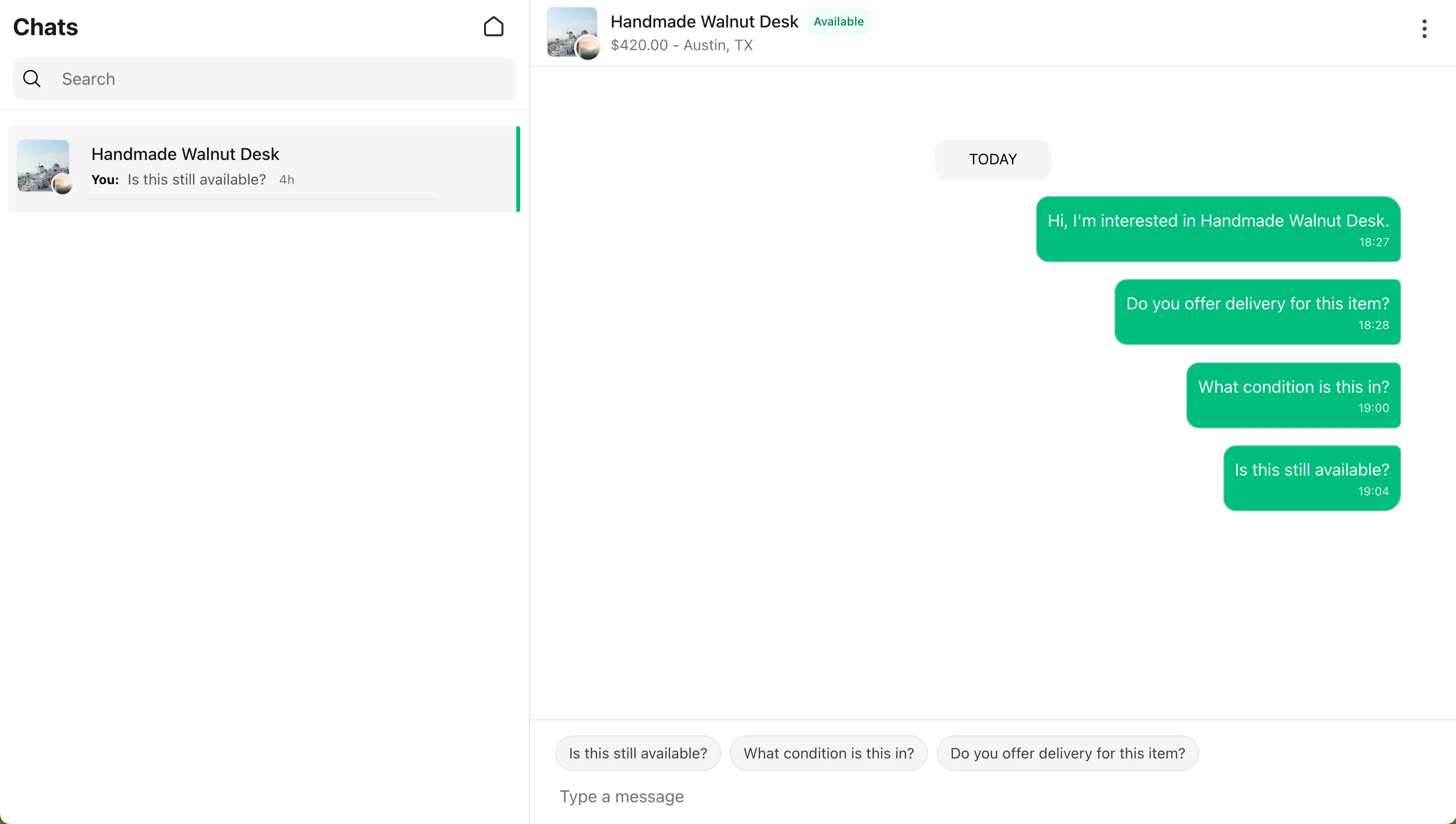
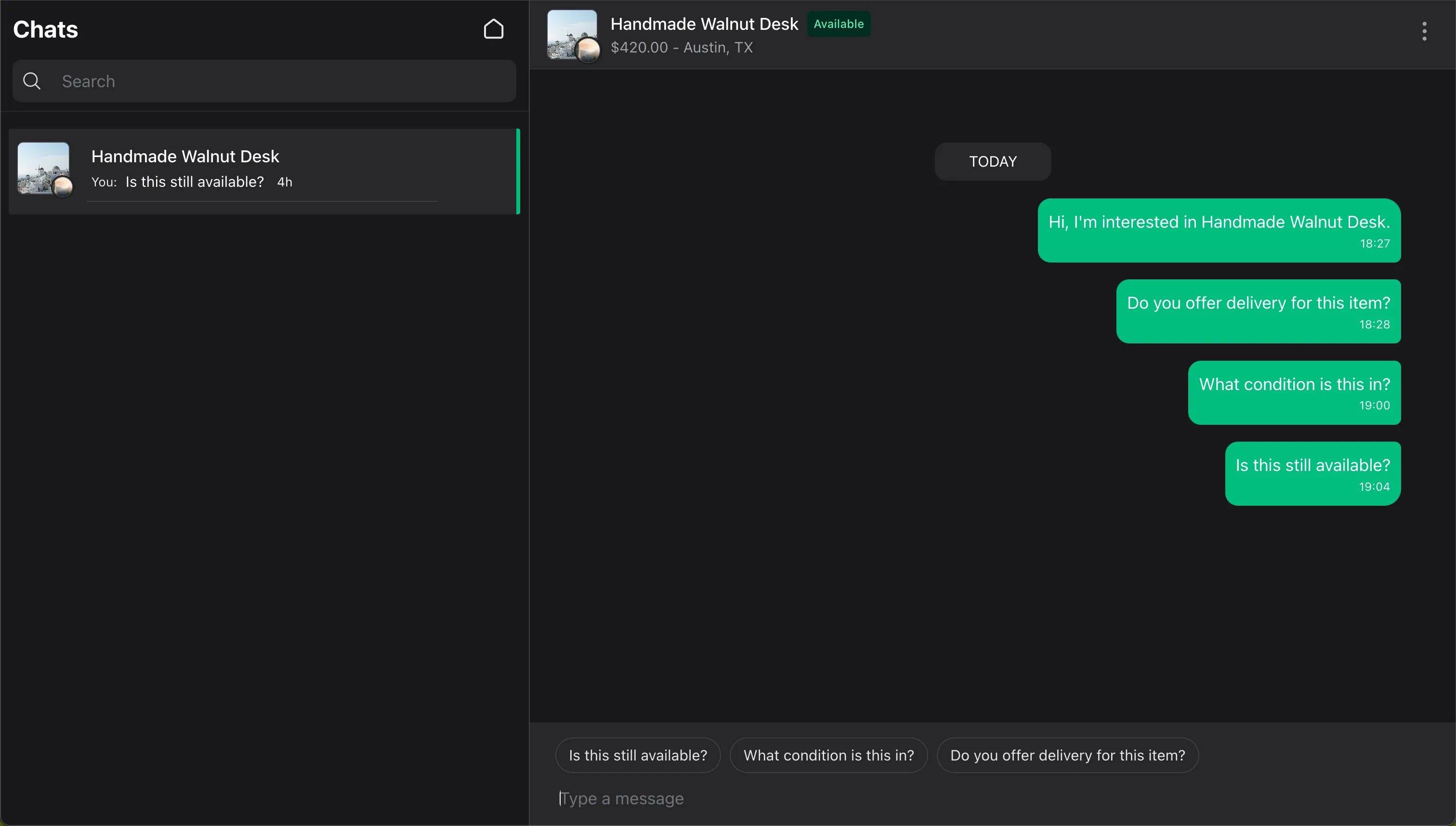
Suggested messages let the context show predefined message chips above the composer. Define them with wirechatContextSuggestedMessages(), as shown in the model example above.
public function wirechatContextSuggestedMessages(): array
{
    return [
        'Is this still available?',
        'What condition is this in?',
        'Do you offer delivery for this item?',
    ];
}
If your model overrides wirechatContext() directly, include suggested_messages in the returned array.
Each string is shown as the chip text and sent as the message body when clicked.
Wirechat hides suggested messages from the context owner. It can detect the owner from owner_id, user_id, or seller_id fields. For a custom owner relationship, define wirechatContextOwner() on the context model.
Suggested messages are only shown when the context is available and the composer is visible.
Starting Context Conversations
Start a context conversation with createConversationContext():
$conversation = $buyer->createConversationContext(
    peer: $seller,
    context: $listing,
    type: 'listing',
    message: 'Is this still available?',
);
The type scopes the meaning of the context. Common examples are:
listing
order
support
ai-session
Wirechat reuses the conversation when the same two users start a chat for the same model and type.
You can access the attached context from the conversation:
$context = $conversation->context;
This returns the context record attached to the conversation.
For user-to-user private chats without a context, see Chats.
Unavailable Contexts
Use wirechatContextAvailable() when users should no longer reply in the conversation. This can be a dynamic value, so your model can check its current state each time Wirechat renders the chat.
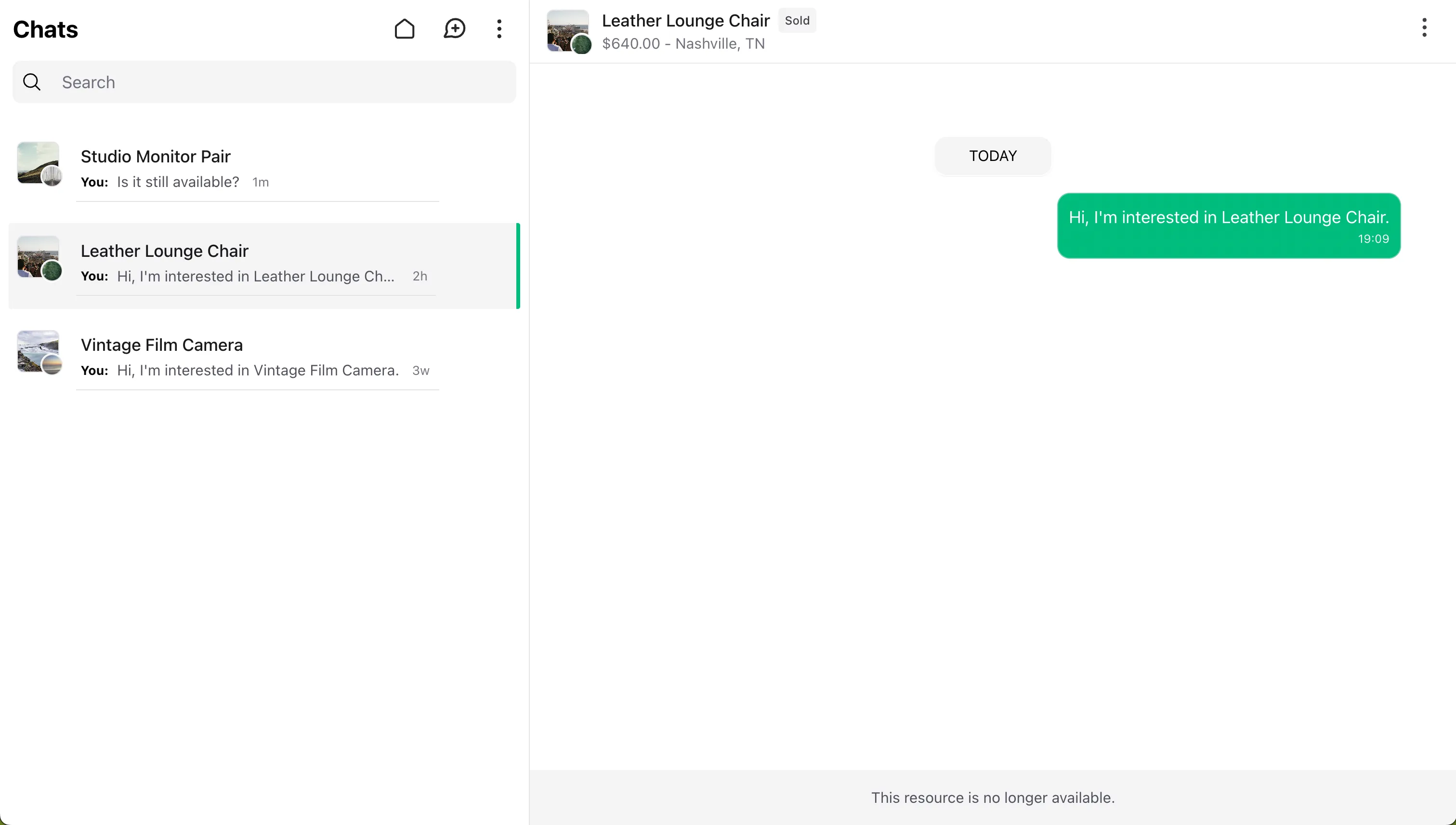
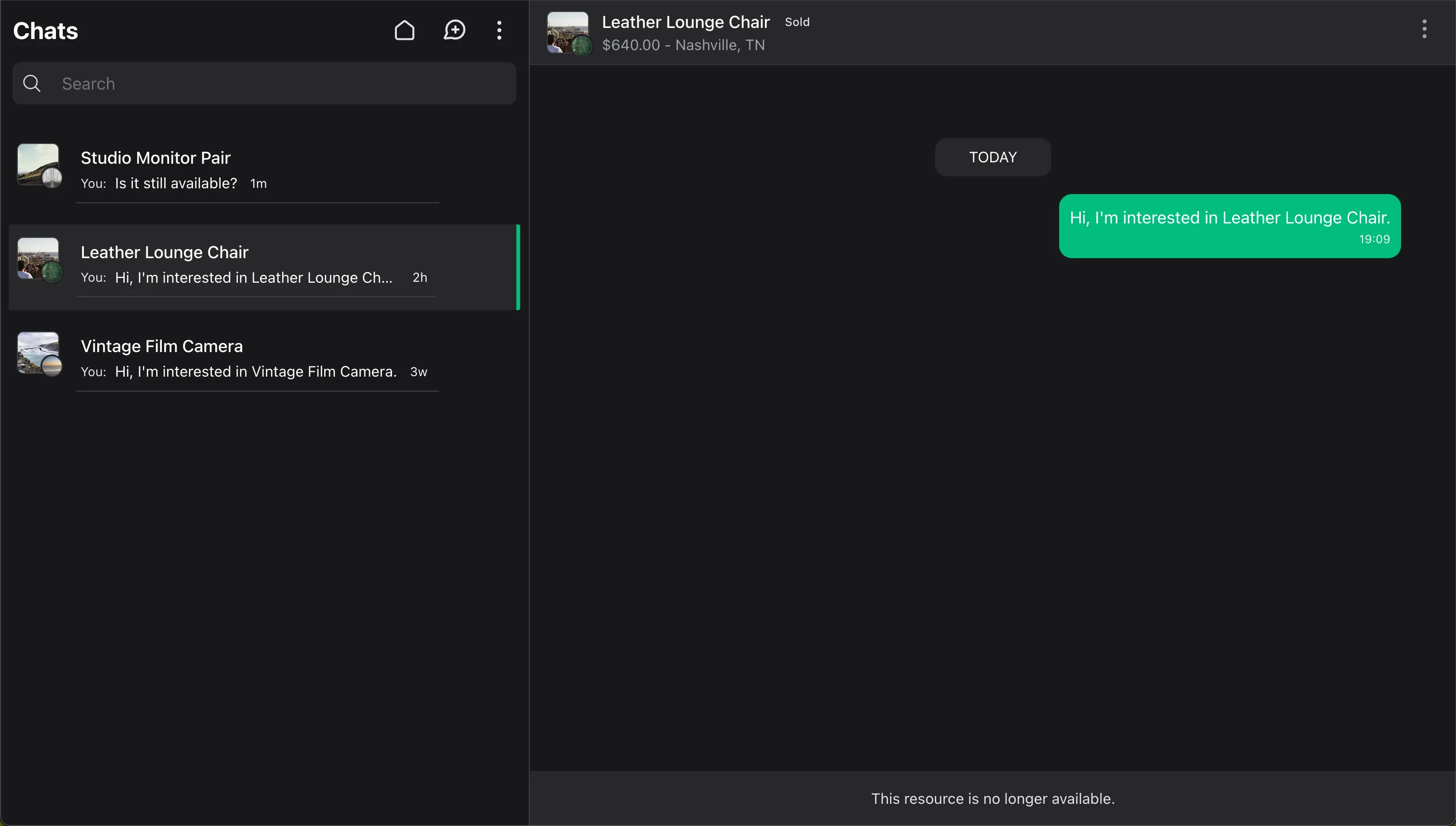
When wirechatContextAvailable() returns false, Wirechat disables replies, hides suggested messages, and shows the unavailable footer state. If your model overrides wirechatContext() directly, include the available key in the returned array.
Use unavailable_message for the footer text shown when replies are disabled. If you omit it, Wirechat uses a generic resource message.
If the model used as the context is deleted, Wirechat treats the context as unavailable instead of calling wirechatContext(). In panels that enable context conversations, the chat remains visible, replies are disabled, and users can delete the chat if the panel allows the delete chat action.
Cleaning Up Unavailable Contexts
Wirechat does not delete unavailable context conversations automatically. Some applications keep them as read-only history, while others remove them after a listing, order, or record is closed.
Use an application job when unavailable conversations should be removed:
namespace App\Jobs;

use App\Models\Listing;
use Illuminate\Contracts\Queue\ShouldQueue;
use Illuminate\Foundation\Queue\Queueable;

class DeleteUnavailableListingConversations implements ShouldQueue
{
    use Queueable;

    public function handle(): void
    {
        Listing::query()
            ->whereIn('status', ['sold', 'archived'])
            ->chunkById(100, function ($listings): void {
                foreach ($listings as $listing) {
                    $listing->conversationContexts()
                        ->with('conversation')
                        ->get()
                        ->each(fn ($context) => $context->conversation?->delete());
                }
            });
    }
}
Querying Context Conversations
Use the conversation scopes when you need to find chats for a model:
Conversation::context($listing)->get();

Conversation::context($listing, type: 'listing')->get();

Conversation::contextType('support')->get();