
Conversation Tabs
Use conversation tabs to split the chats list into focused views such as All, Unread, or Groups.
Tabs are defined in your panel provider with tabs() and defaultTab().
Defining Tabs
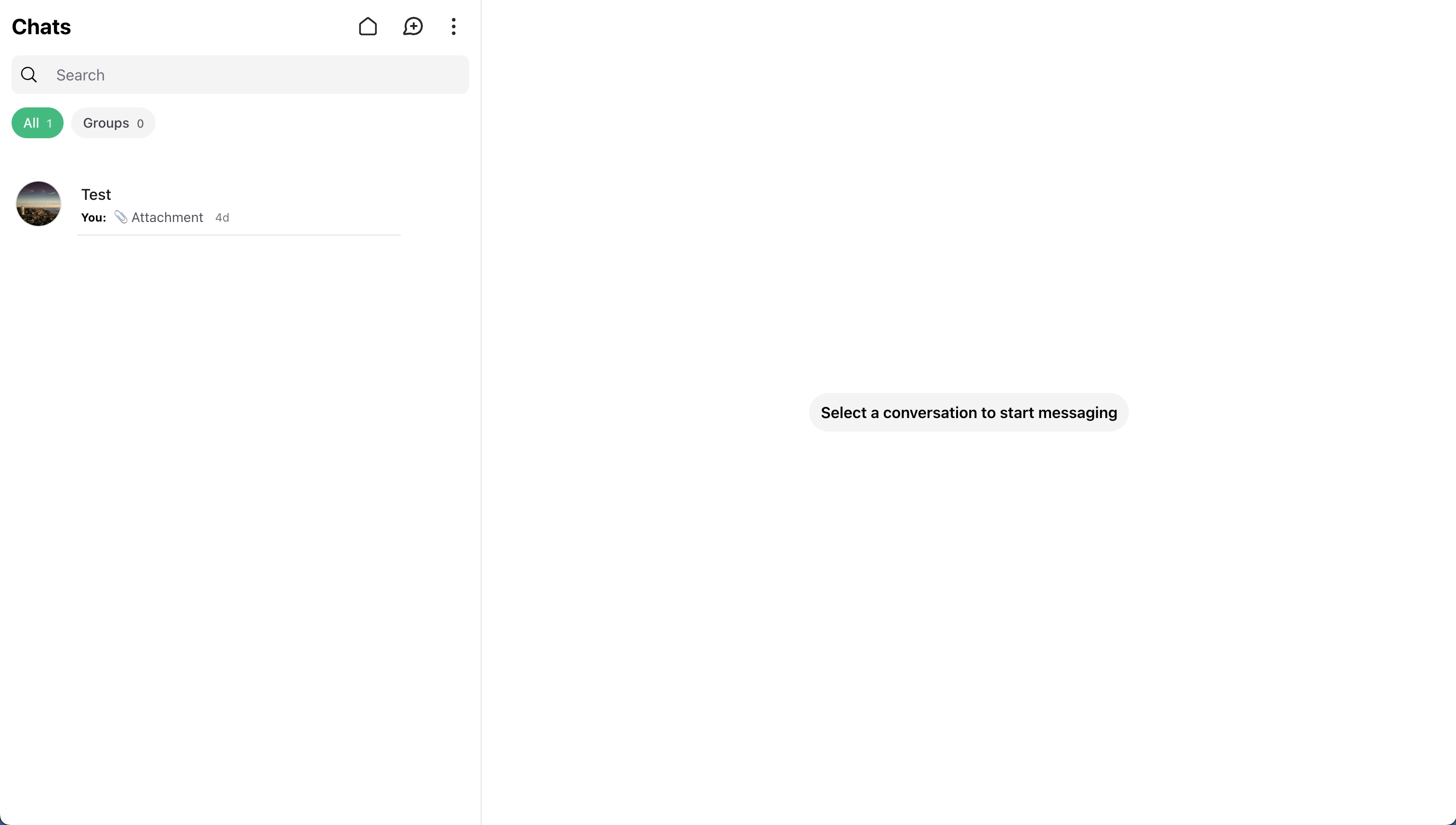
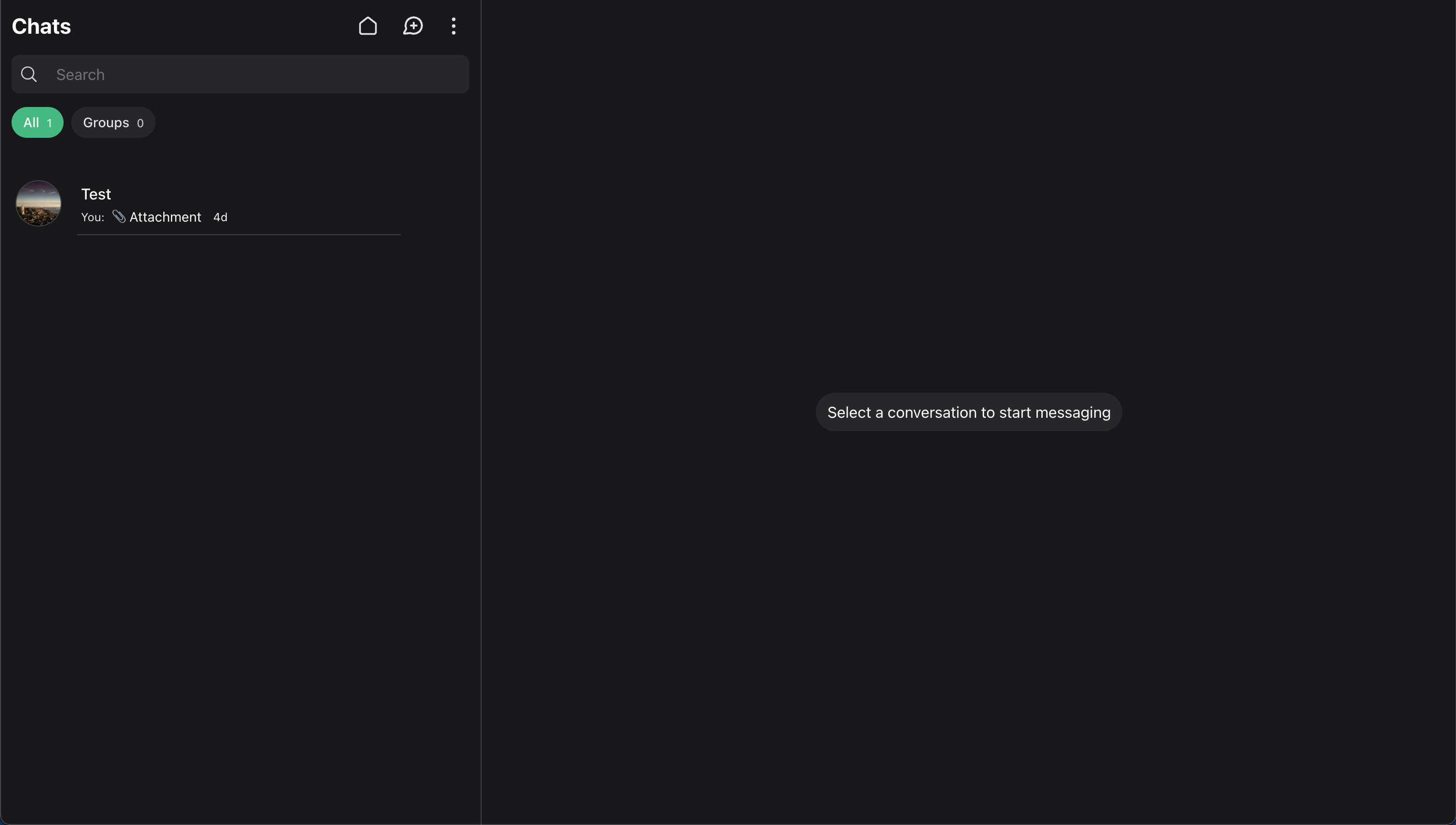 Register tabs with
 tabs():
use Illuminate\Database\Eloquent\Builder;
use Wirechat\Wirechat\Enums\ConversationType;
use Wirechat\Wirechat\Panel;
use Wirechat\Wirechat\Support\Tabs\Tab;

public function panel(Panel $panel): Panel
{
    return $panel->tabs([
        Tab::make('all'),
        Tab::make('groups')
            ->label('Groups')
            ->query(fn (Builder $query) => $query->where('type', ConversationType::GROUP->value))
            ->count(),
    ]);
}
Default Tab
Use defaultTab() to choose the tab that should be active when the chats list first loads:
use Wirechat\Wirechat\Panel;
use Wirechat\Wirechat\Support\Tabs\Tab;

public function panel(Panel $panel): Panel
{
    return $panel
        ->tabs([
            Tab::make('all'),
            Tab::make('unread'),
            Tab::make('groups'),
        ])
        ->defaultTab('all');
}
If no default tab is set, Wirechat uses the first registered tab.
Labels
Every tab needs a key:
Tab::make('all');
Tab::make('unread')->label('Unread');
Tab::make('assigned_to_me')->label('Mine');
Keys may contain letters, numbers, underscores, and hyphens.
If you do not call label(), Wirechat turns the key into a readable label automatically.
Query Callbacks
Use query() when a tab should apply additional constraints to the conversations list.
The callback receives:
- the current conversations query
- the authenticated user
- the current panel
use Illuminate\Database\Eloquent\Builder;
use Wirechat\Wirechat\Support\Tabs\Tab;

Tab::make('groups')
    ->label('Groups')
    ->query(function (Builder $query, $auth, $panel) {
        return $query->where('type', 'group');
    });
Query Scope Note
Your callback receives the conversations query that Wirechat is already using for the current user, so in most cases you should narrow that query instead of replacing it.
Visibility
Use visible() when a tab should only appear for certain users:
use Wirechat\Wirechat\Support\Tabs\Tab;

Tab::make('verified')
    ->label('Verified')
    ->visible(fn ($auth) => $auth?->hasVerifiedEmail() ?? false);
Counts
Use count() to display the number of conversations that belong to a tab:
use Illuminate\Database\Eloquent\Builder;
use Wirechat\Wirechat\Support\Tabs\Tab;

Tab::make('groups')
    ->label('Groups')
    ->query(fn (Builder $query) => $query->where('type', 'group'))
    ->count();
Wirechat calculates the value from that tab's filtered query automatically.
Complete Example
use Illuminate\Database\Eloquent\Builder;
use Wirechat\Wirechat\Enums\ConversationType;
use Wirechat\Wirechat\Panel;
use Wirechat\Wirechat\Support\Tabs\Tab;

public function panel(Panel $panel): Panel
{
    return $panel
        ->id('chats')
        ->path('chats')
        ->middleware(['web', 'auth'])
        ->tabs(
            Tab::make('all'),

            Tab::make('groups')
                ->label('Groups')
                ->query(fn (Builder $query) => $query->where('type', ConversationType::GROUP->value))
                ->count()
        )
        ->defaultTab('all');
}
Best Practices
- Keep the number of tabs small and meaningful.
- Use short labels.
- Refine the provided query instead of replacing it.
- Use
count()only when it adds useful context.