
Message Requests
Wirechat message requests let users start a private conversation without immediately adding the recipient as a participant. The sender gets the thread right away, the recipient can review it, and they can then accept or dismiss the request from inside the chat.
This is useful when you want users to avoid being added to private conversations without explicit approval.
Enabling Message Requests
Message requests are enabled per panel. To make the default new-chat UI create review-first private conversations, enable message requests in your panel provider:
use Wirechat\Wirechat\Panel;

public function panel(Panel $panel): Panel
{
    return $panel
        // ...
        ->messageRequests();
}
When this option is enabled, private conversations created from the default Wirechat UI start as message requests instead of immediately adding the recipient as a participant.
If you have not published the message-request table yet, publish the package migrations and then run your migrations:
php artisan vendor:publish --tag=wirechat-migrations
php artisan migrate
How It Works
Wirechat does not create a special conversation type for this flow. A message request still uses a normal private conversation, but the recipient remains outside the participants table until they approve it.
At a high level:
- A private
Conversationrecord is created. - The sender is added to
participants. - The recipient is not added to
participantsyet. - A pending
MessageRequestrecord is created for that conversation.
That means the thread already exists, but membership is incomplete until the recipient accepts it.
Creating Message Requests
Using The UI
The standard new-chat flow can be used to create message requests when ->messageRequests() is enabled on the current panel:
- Click the Plus icon in the chats header.
- Search for a user.
- Select that user.
Wirechat opens or creates the private thread as a pending request for the selected recipient.
Programmatically
Use sendMessageRequestTo() to create or reuse a pending private request:
$auth = auth()->user();
$otherUser = User::first();

$conversation = $auth->sendMessageRequestTo($otherUser);
Wirechat reuses existing state when possible:
- If a direct private conversation already exists, it is reused.
- If an outgoing pending request already exists, it is reused.
- If the opposite pending request already exists, Wirechat accepts it instead of creating a second request.
Use createConversationWith() when you want an immediate private conversation with both participants already attached.
Viewing Requests
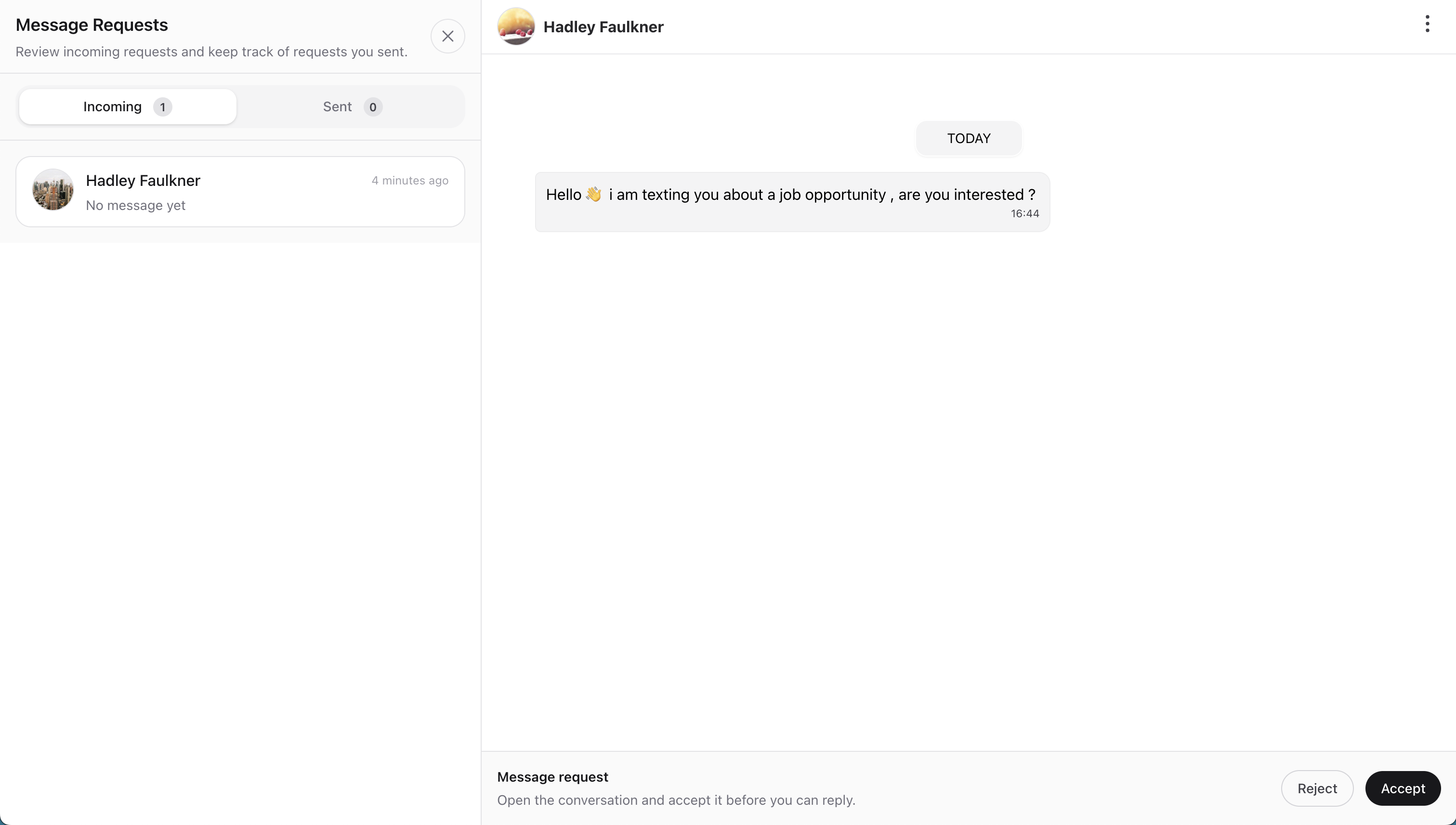
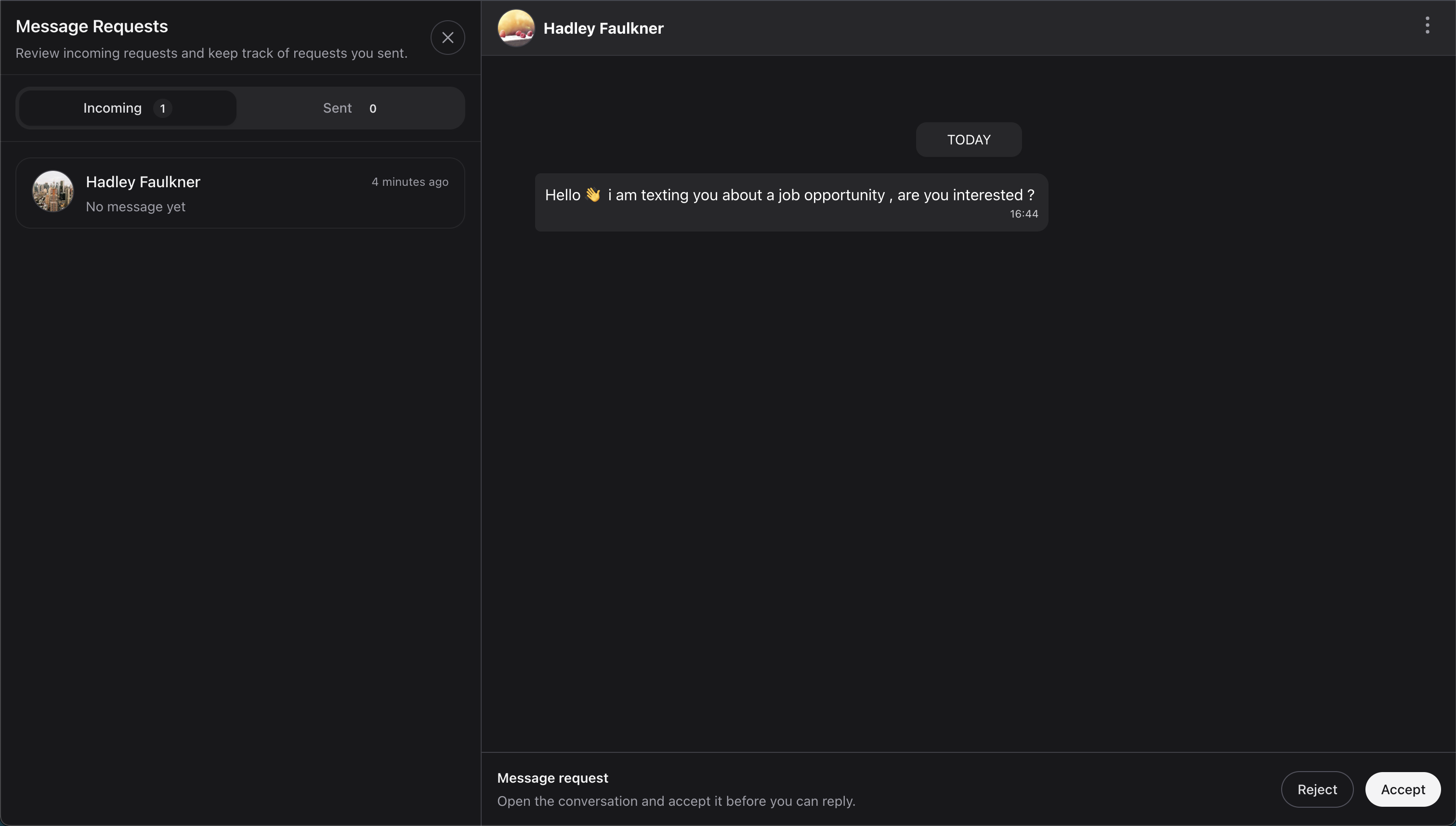
Pending requests can be surfaced from the chats header through the Requests button.
The requests drawer provides two views:
- Incoming for requests sent to the signed-in user.
- Outgoing for requests the signed-in user has sent and that are still awaiting review.
This keeps pending-request threads separate from the normal chats list, so an unanswered request does not appear like a standard private conversation.
Incoming Requests
Incoming requests show people who want to start a private conversation with the signed-in user.
From there, the recipient can:
- Open the request thread.
- Review the conversation.
- Accept or dismiss it from inside the chat.
Outgoing Requests
Outgoing requests show requests that the signed-in user has already sent but that have not yet been accepted.
This is useful when the sender wants to:
- see who is still pending
- reopen the thread
- continue writing in the request thread while waiting for approval
Pending Chat Experience
The sender and recipient do not see the same UI while a request is still pending.
Recipient View
The recipient can open the pending thread before joining it as a participant.
Inside the chat:
- They can review the existing thread.
- They do not get the normal composer yet.
- The footer shows Accept and Dismiss actions instead.
Sender View
The sender keeps access to the thread while the request is pending.
Inside the chat:
- They keep the normal composer.
- They see the pending outgoing notice.
- The thread remains marked as a request until the recipient accepts it.
Wirechat keeps pending-request messages local to the sender and does not broadcast them to the recipient until the request has been accepted.
Accepting Or Dismissing Requests
Requests are reviewed from inside the pending chat thread.
If the recipient accepts:
- They are added to the conversation participants.
- The pending request is approved and removed from the active request flow.
- They can start replying immediately.
- The thread becomes a normal private conversation.
If the recipient dismisses:
- They are not added to the conversation participants.
- The request is marked as dismissed.
- The pending thread is removed from the active request flow.
Access Rules
Message requests slightly relax the normal private-chat access rules.
Normally, a user needs to belong to the conversation through the participants table. For pending message requests, Wirechat also allows access when:
- The conversation is private.
- The signed-in user matches the pending request recipient.
This is why the recipient can review the thread before accepting it, while still being blocked from sending messages until the request is approved.
The canSendMessageTo(Model $recipient) hook controls whether a user may start private messages or message requests with a recipient. Override it on your user model when you need blocking, friends-only messaging, or another application-specific rule.
See Users for examples.
Related APIs
The main message-request APIs are:
$user->sendMessageRequestTo($peer);

$conversation->createMessageRequestFor($recipient, $sender);
$conversation->acceptMessageRequestFor($recipient);
$conversation->dismissMessageRequestFor($recipient);

$conversation->pendingMessageRequestFor($recipient);
$conversation->pendingMessageRequestFrom($sender);
$conversation->hasPendingMessageRequestFor($recipient);
$conversation->hasPendingMessageRequestFrom($sender);
$conversation->hasActiveMessageRequest();

$user->canAccessConversation($conversation);
$conversation->canBeAccessedBy($user);
Use sendMessageRequestTo() when you want the review-first flow.