
Conversation Contexts
Conversation contexts let a chat stay connected to the item, order, page, or record that users are talking about.
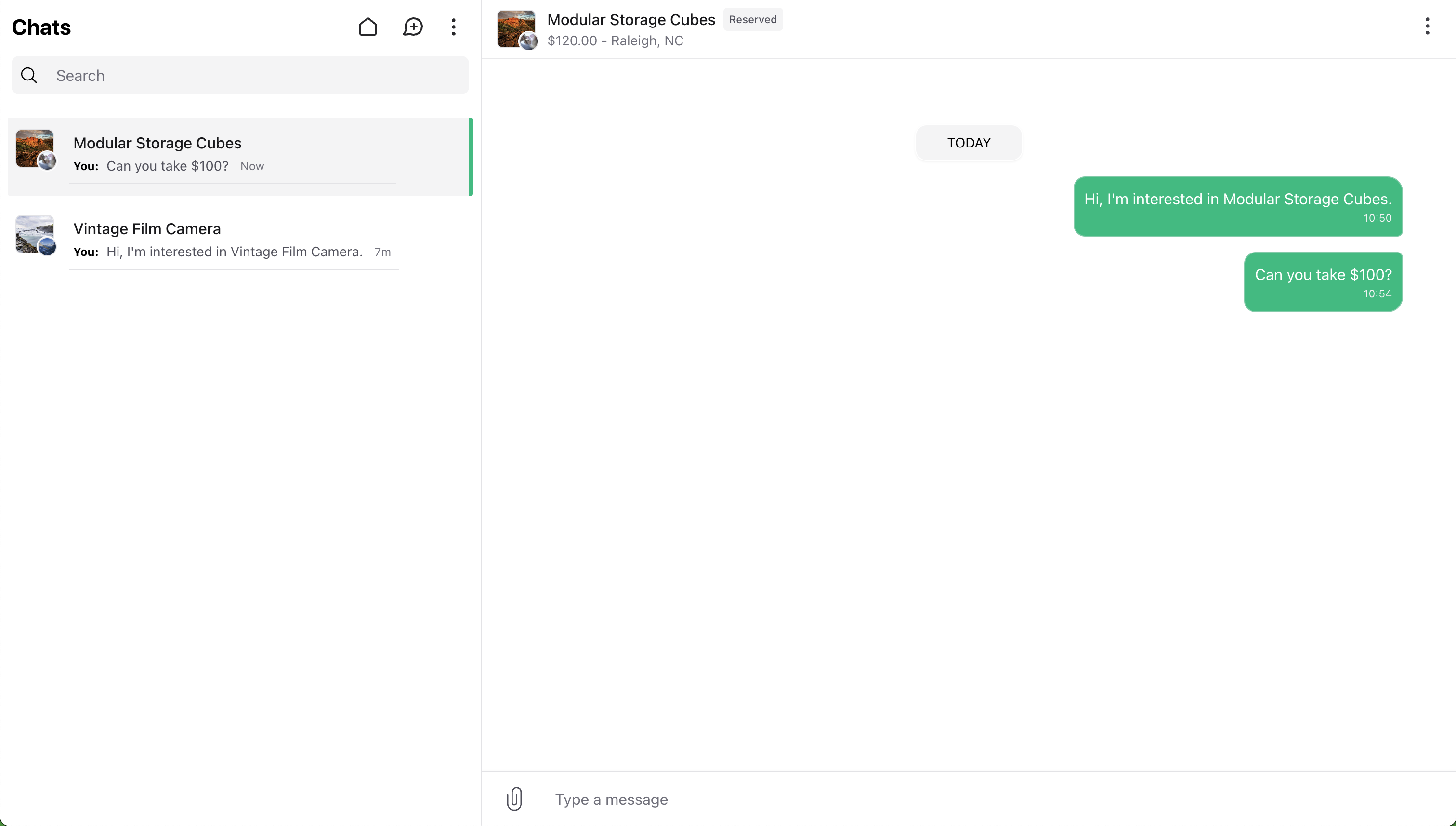
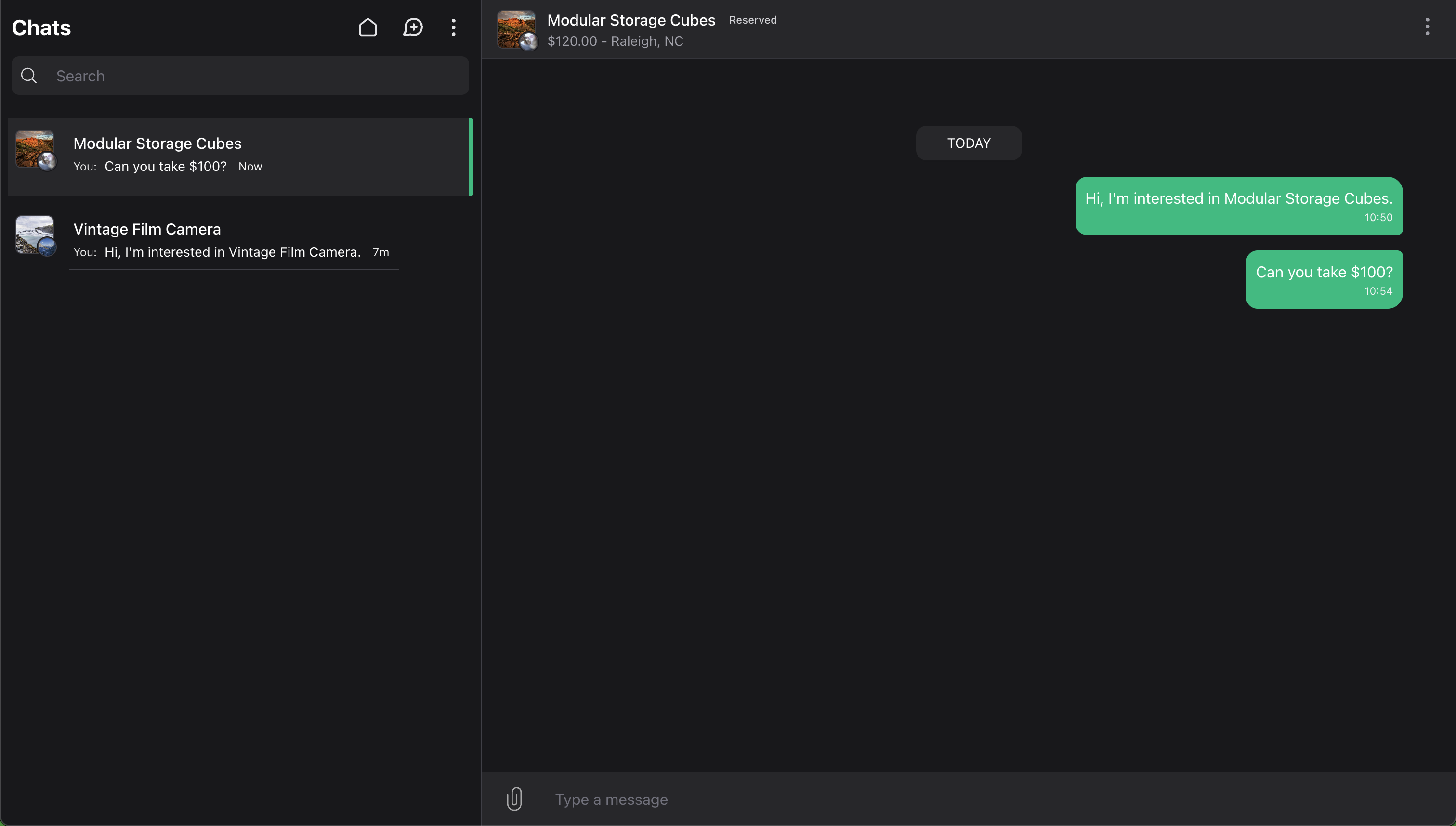
The connected record provides the details Wirechat shows in the conversation, such as the heading, image, price, link, badge, and whether replies are still allowed. A context conversation always keeps that context, so users can tell what the chat is about when they open it.
Enabling Context Conversations
Context conversations are enabled per panel:
use Wirechat\Wirechat\Panel;

public function panel(Panel $panel): Panel
{
    return $panel
        // ...
        ->conversationContexts();
}
When enabled, Wirechat lists and opens context conversations in that panel. It also shows the context in the chats list, chat header, and chat info drawer.
Panels without conversationContexts() do not show or open context conversations. They do not fall back to showing the conversation as a normal private or group chat.
Conversations without a context are unchanged. Private chats, self chats, and groups still use the normal participant or group layout.
Contextable Models
Use the Contextable trait on the model you want to show in the chat.
Wirechat reads the display data from the model's wirechatContext() method:
use Illuminate\Database\Eloquent\Model;
use Wirechat\Wirechat\Traits\Contextable;

class Listing extends Model
{
    use Contextable;

    /**
     * @return array{
     *     heading: string,
     *     sub_heading: string,
     *     image: string|null,
     *     url: string,
     *     badge: string,
     *     badge_color: string,
     *     available: bool,
     *     unavailable_message?: string
     * }
     */
    public function wirechatContext(): array
    {
        return [
            'heading' => $this->title,
            'sub_heading' => $this->formattedPrice(),
            'image' => $this->thumbnail_url,
            'url' => route('listings.show', $this),
            'badge' => 'Listing',
            'badge_color' => 'emerald',
            'available' => $this->is_available,
        ];
    }
}
Supported context keys are:
headingsub_headingimageavatar_urlurlbadgebadge_colorowner_avatar_urlavailableunavailable_message
badge_color accepts common color names such as gray, red, amber, green, emerald, blue, purple, and pink. It can also use a safe CSS color value such as #16a34a or var(--brand-color).
The trait also exposes:
$listing->conversationContexts();
Each conversation has one context. The same model can still be used as the context for many conversations.
Unavailable Contexts
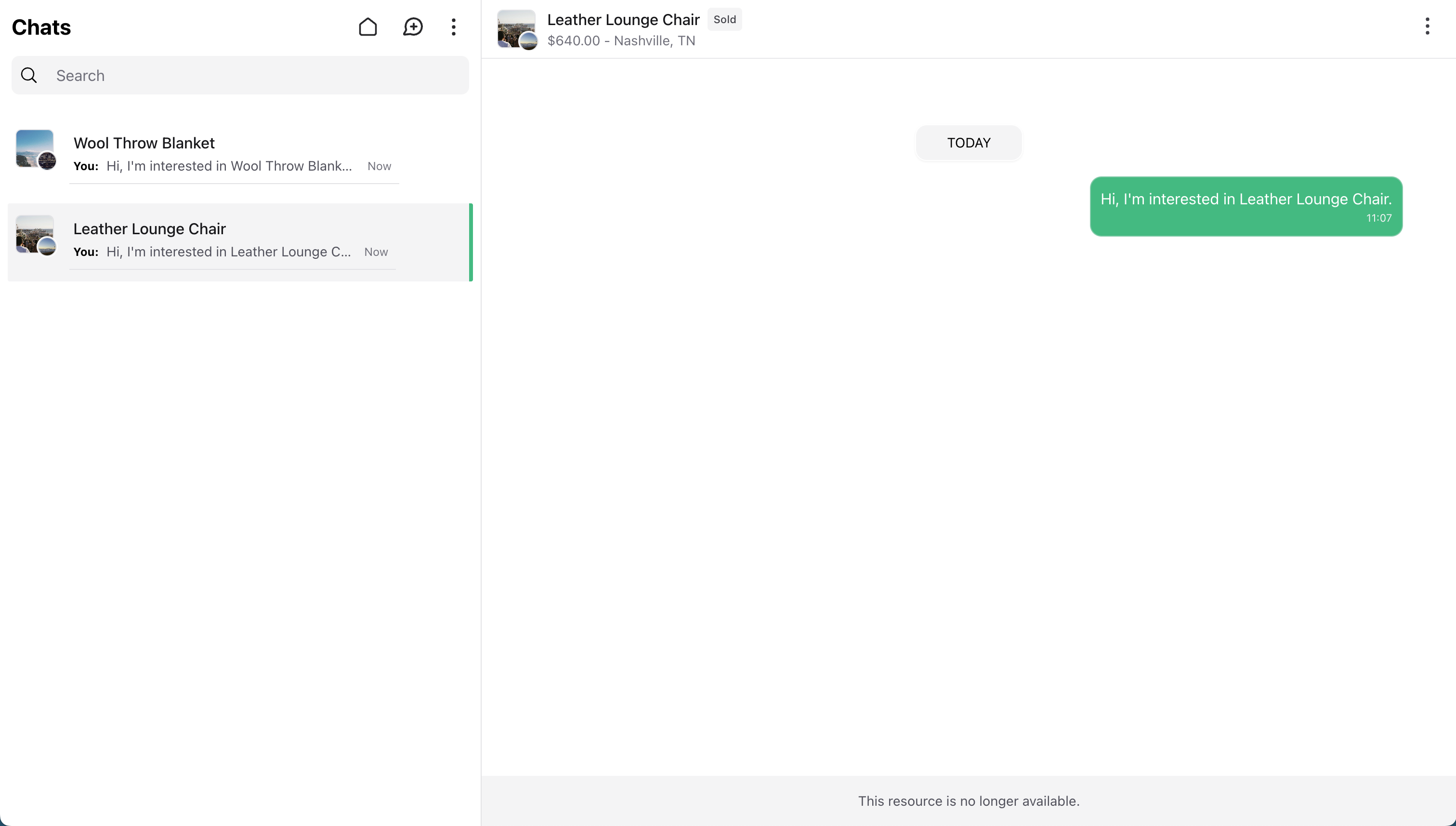
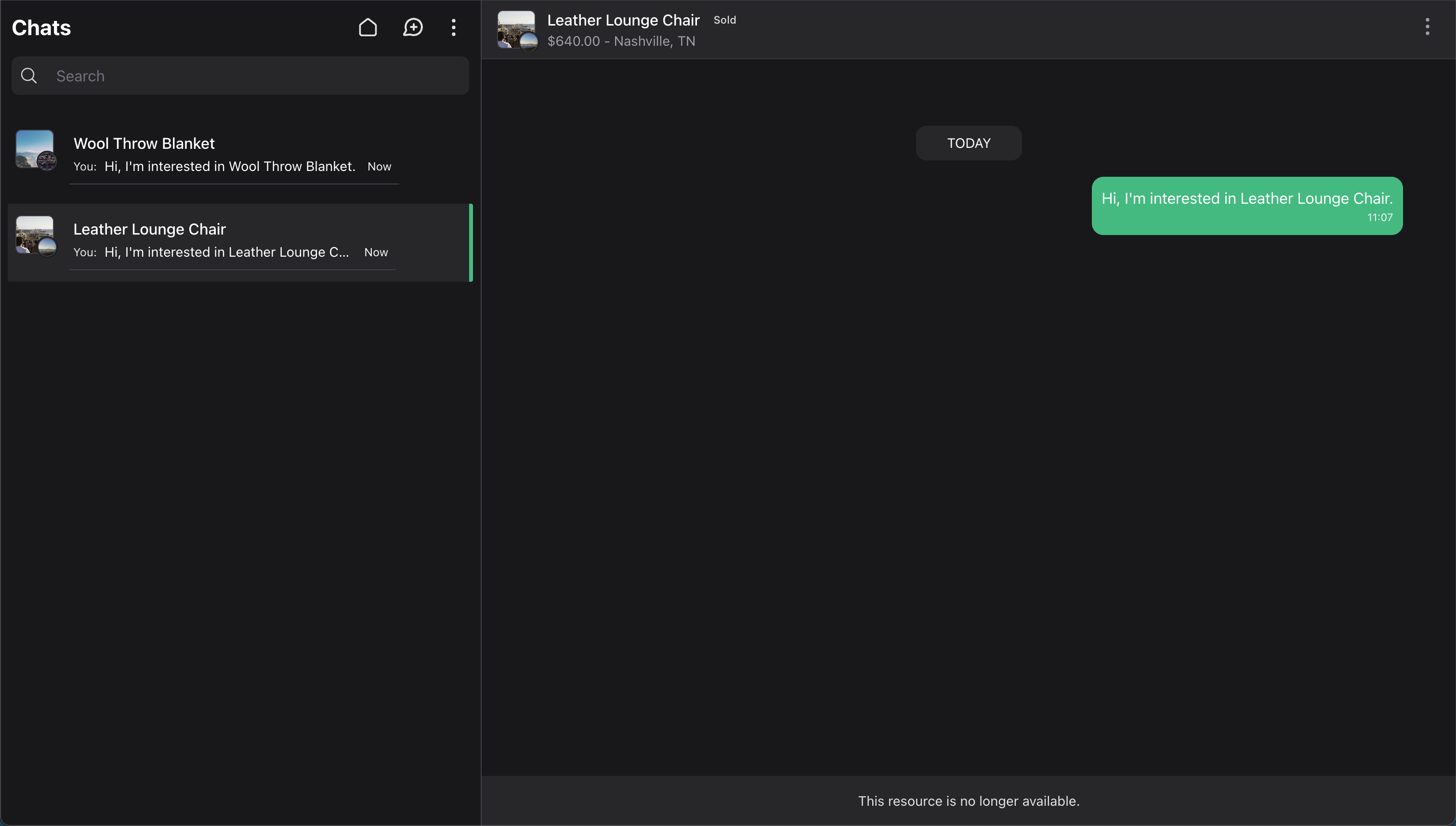
Set available to false when users should no longer reply in the conversation. This can be a dynamic value, so your model can check its current state each time Wirechat renders the chat.
public function wirechatContext(): array
{
    return [
         //..
        'available' => ! $this->isSold(),
        'unavailable_message' => 'This resource is no longer available.',
    ];
}
Use unavailable_message for the footer text shown when replies are disabled. If you omit it, Wirechat uses a generic resource message.
If the model used as the context is deleted, Wirechat treats the context as unavailable instead of calling wirechatContext(). In panels that enable context conversations, the chat remains visible, replies are disabled, and users can delete the chat if the panel allows the delete chat action.
Starting Context Conversations
Start a context conversation with createConversationContext():
$conversation = $buyer->createConversationContext(
    peer: $seller,
    context: $listing,
    type: 'listing',
    message: 'Is this still available?',
);
The type scopes the meaning of the context. Common examples are:
listing
order
support
ai-session
Wirechat reuses the conversation when the same two users start a chat for the same model and type.
You can access the attached context from the conversation:
$context = $conversation->context;
This returns the context record attached to the conversation.
For user-to-user private chats without a context, see Chats.
Querying Context Conversations
Use the conversation scopes when you need to find chats for a model:
Conversation::context($listing)->get();

Conversation::context($listing, type: 'listing')->get();

Conversation::contextType('support')->get();