
Settings
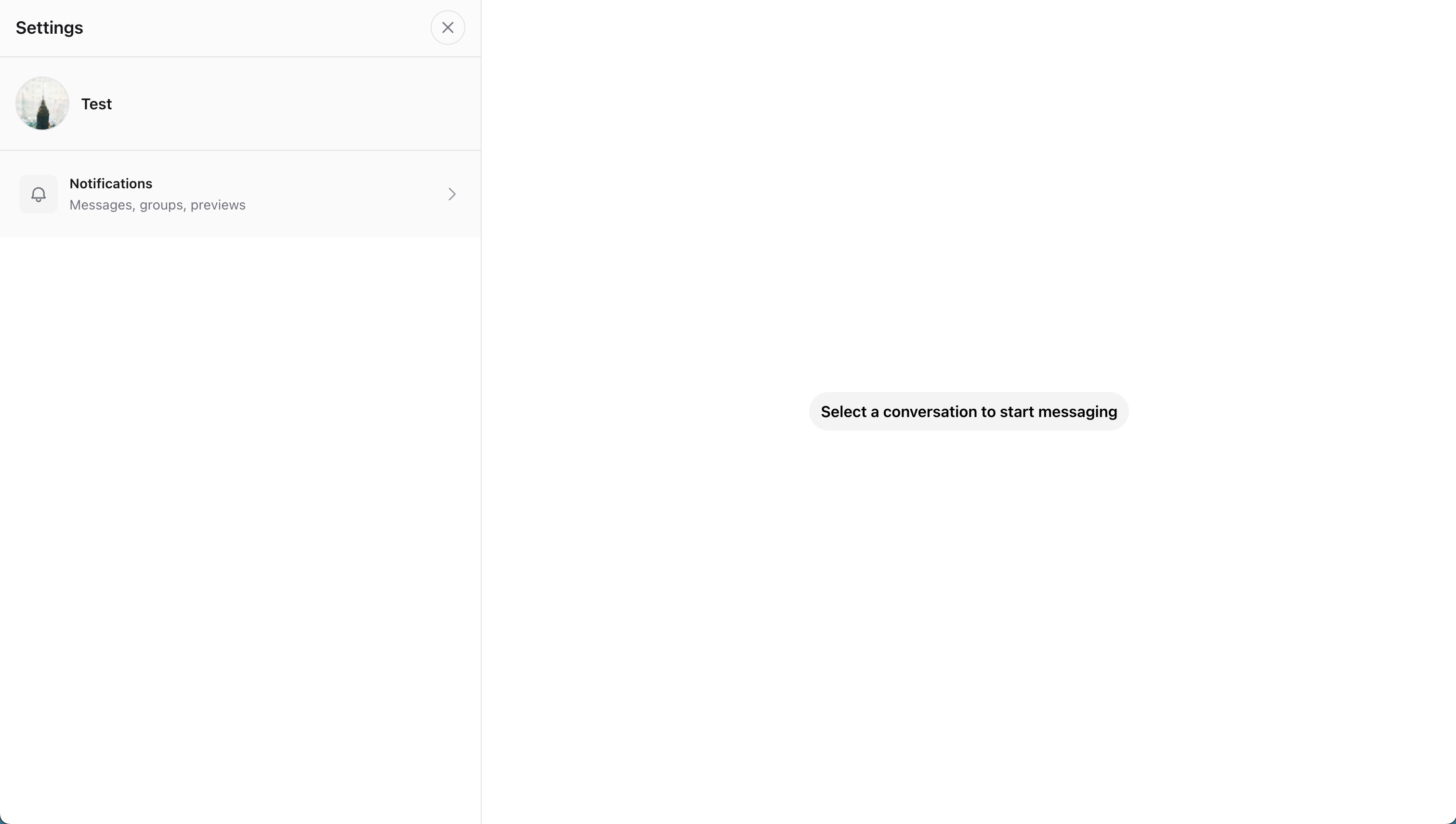
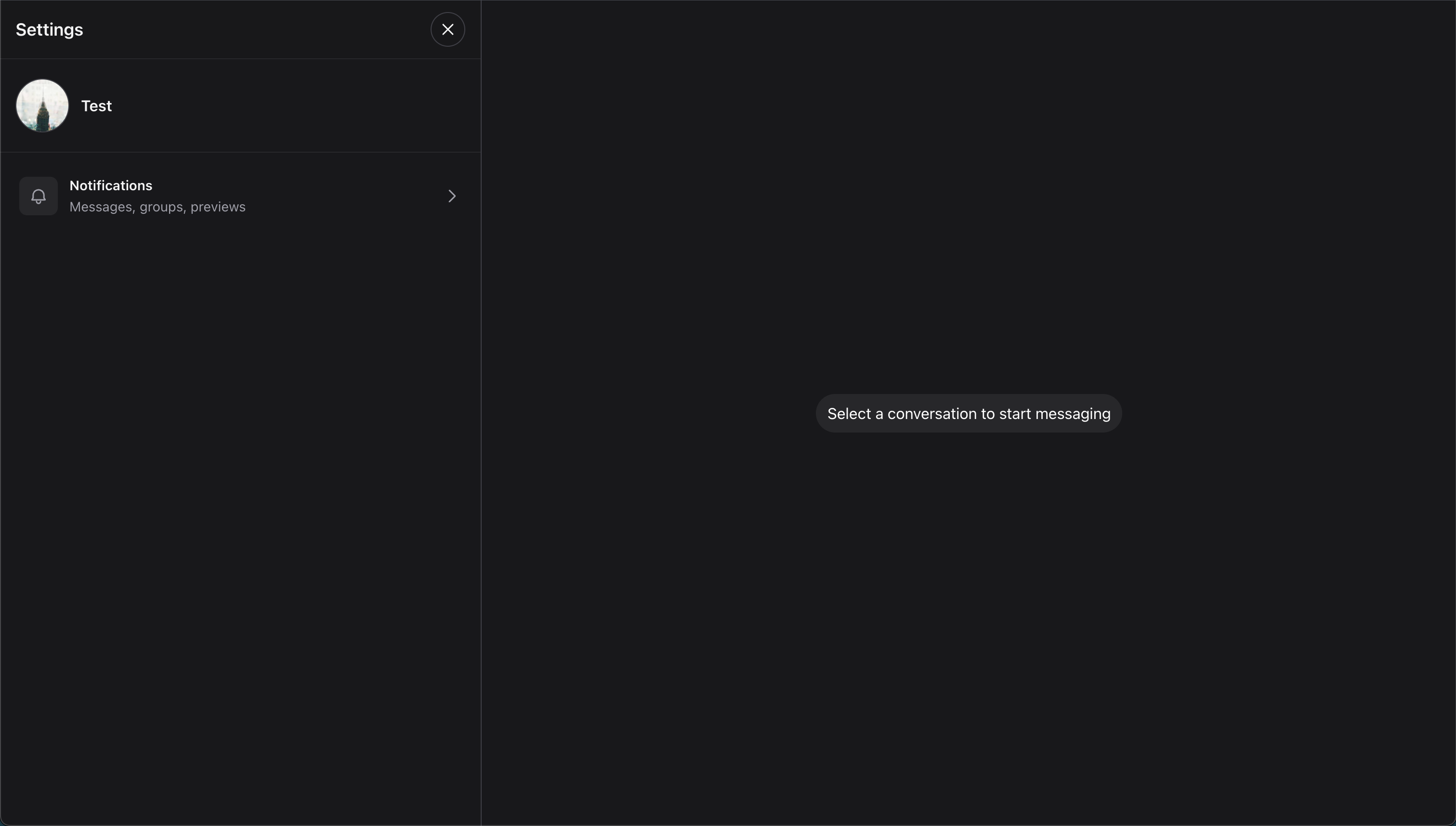
Wirechat settings add an opt-in Settings entry to the chats header. Users can open the settings drawer from the chat list without leaving the current panel.
The Settings drawer includes General, Notifications, and Security & Privacy sections.
Settings are user-aware configuration. Each preference belongs to the authenticated user using Wirechat, not to the application globally. To control which users can use Wirechat features, see Users.
Enabling Settings
Enable settings on a panel with settings():
use Wirechat\Wirechat\Panel;

public function panel(Panel $panel): Panel
{
    return $panel
        // ...
        ->settings();
}
Wirechat shows a Settings action in the chats header dropdown. Selecting it opens the settings drawer.
Disabling Settings
Settings are disabled by default. You can also explicitly disable them:
use Wirechat\Wirechat\Panel;

public function panel(Panel $panel): Panel
{
    return $panel
        // ...
        ->settings(false);
}
When disabled, the Settings action is hidden and the settings drawer is not available.
Conditional Settings
The settings() method accepts a closure, so you can use your own feature flags or access rules:
use Wirechat\Wirechat\Panel;

public function panel(Panel $panel): Panel
{
    return $panel
        // ...
        ->settings(fn () => auth()->user()?->can('manage-chat-settings') ?? false);
}
Notification Settings
The Notifications section controls message, group, and preview preferences.
This UI is separate from browser push setup. If you want browser notifications to be delivered, configure web push notifications on the Notifications page.
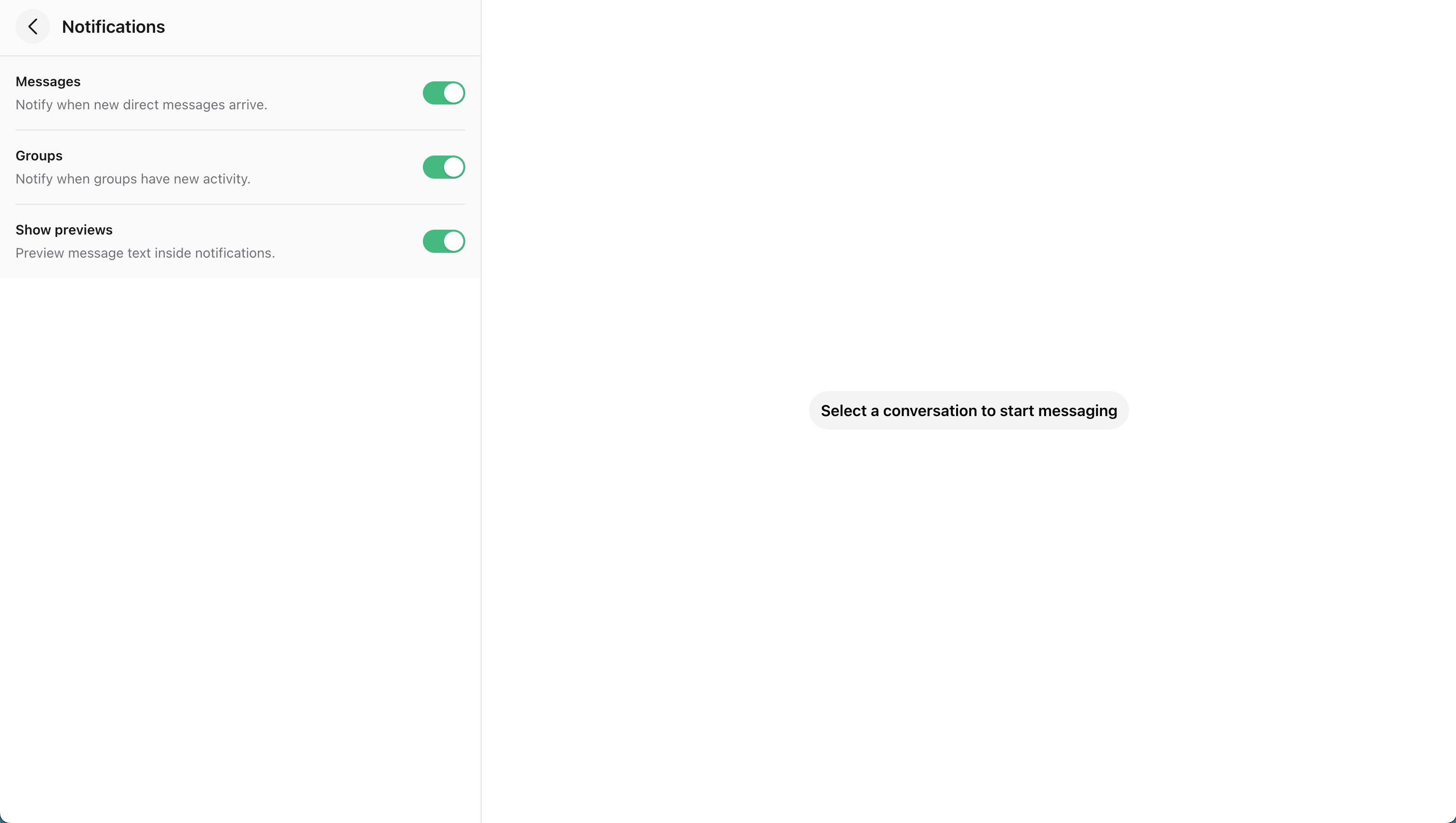
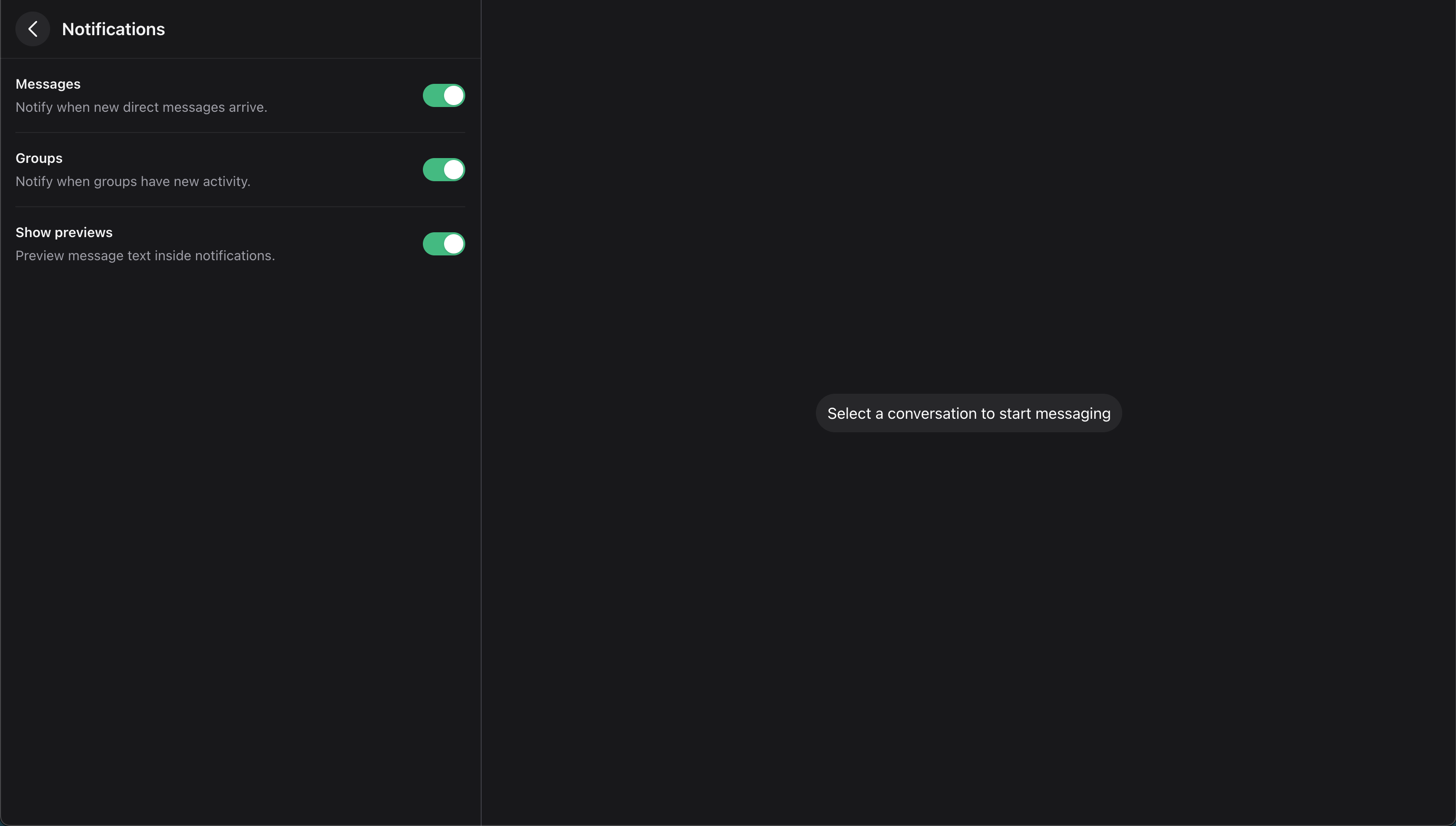
- Message Notifications: toggle controls browser notifications for direct conversations.
- Group Notifications: toggle controls browser notifications for group conversations.
- Notification Previews: toggle controls whether browser notifications include message text.
Security & Privacy
The Security & Privacy section contains privacy controls that affect how other users can interact with the current user.
Groups
Group privacy controls whether a user can be added to groups through Wirechat's built-in group flows.
The setting is binary:
| Property | Default | Meaning |
|---|---|---|
groups_can_add_me |
true |
The user can appear in built-in group add searches and can be added through the default Wirechat group add actions. |
Users can turn off Allow others to add me to groups from the Settings drawer.
When the toggle is off, Wirechat:
- hides the user from group add searches;
- prevents the user from being added after opting out;
- keeps built-in new group and Add Members actions aligned with the setting.
Use the settings DTO when application code needs to check the preference:
use Wirechat\Wirechat\Facades\Wirechat;

$settings = Wirechat::settings($user);

if (! $settings->groups_can_add_me) {
    // Do not offer this user in your custom group add UI.
}
Use WirechatSettingsManager when you need to update the value outside the built-in settings drawer:
use Wirechat\Wirechat\Services\WirechatSettingsManager;

app(WirechatSettingsManager::class)->updateFor($user, [
    'groups_can_add_me' => false,
]);
If your app exposes a custom group add flow, check the same setting before adding the participant:
use Wirechat\Wirechat\Facades\Wirechat;

if (! Wirechat::settings($user)->groups_can_add_me) {
    abort(403, 'This user does not allow others to add them to groups.');
}

$conversation->addParticipant($user);
Reading Settings
Use the Wirechat facade when package or application code needs to read a user's Wirechat preferences:
use Wirechat\Wirechat\Facades\Wirechat;

$settings = Wirechat::settings($user);

if ($settings->direct_message_notifications_enabled) {
    // Send or display direct-message notification behavior.
}
Wirechat::settings($user) returns a Wirechat\Wirechat\Settings\UserSettings DTO.
Current settings:
| Property | Default | Used for |
|---|---|---|
notifications_enabled |
true |
Master notification preference. |
direct_message_notifications_enabled |
true |
Browser notifications for private/direct conversations. |
group_message_notifications_enabled |
true |
Browser notifications for group conversations. |
notification_previews_enabled |
true |
Whether browser notifications include message text. |
groups_can_add_me |
true |
Whether the user can be added through Wirechat's built-in group add flows. |
Updating Settings
Use the settings manager when you need to update settings outside the built-in drawer:
use Wirechat\Wirechat\Services\WirechatSettingsManager;

app(WirechatSettingsManager::class)->updateFor($user, [
    'direct_message_notifications_enabled' => false,
    'notification_previews_enabled' => false,
]);
The manager merges the provided values with the current settings.
You can also save a full DTO:
use Wirechat\Wirechat\Services\WirechatSettingsManager;
use Wirechat\Wirechat\Settings\UserSettings;

app(WirechatSettingsManager::class)->saveFor(
    $user,
    new UserSettings(group_message_notifications_enabled: false),
);
Notification Checks
Wirechat checks settings when building the NotifyParticipant broadcast payload. The realtime event is still broadcast so the UI can refresh unread counts and chat lists, but the browser notification display uses these fields:
[
    'enabled' => true,
    'show_preview' => true,
    'conversation_name' => 'Team Chat',
    'conversation_avatar_url' => null,
]
The default checks are:
notifications_enabledmust be enabled.- For private conversations,
direct_message_notifications_enabledmust be enabled. - For group conversations,
group_message_notifications_enabledmust be enabled. notification_previews_enabledcontrols whether the notification shows the message body or a generic message such as "New message".
If you build custom notification flows, use the same DTO instead of reading raw JSON:
use Wirechat\Wirechat\Facades\Wirechat;

$settings = Wirechat::settings($recipient);

$canNotify = $settings->notifications_enabled
    && ($conversation->isGroup()
        ? $settings->group_message_notifications_enabled
        : $settings->direct_message_notifications_enabled);

if (! $canNotify) {
    return;
}

$body = $settings->notification_previews_enabled
    ? $message->body
    : 'You have a new message';