
Chats
Wirechat allows you to create private 1-on-1 chats, manage settings from the panel, send messages, and perform actions such as deleting or clearing chats.
Need a review-first private flow where the recipient can open the thread before joining it? See the dedicated Message Requests page.
Need to organize the chats list into focused views such as unread or groups? See the Tabs page. Conversation tabs are available in Wirechat Pro.
Creating Chats
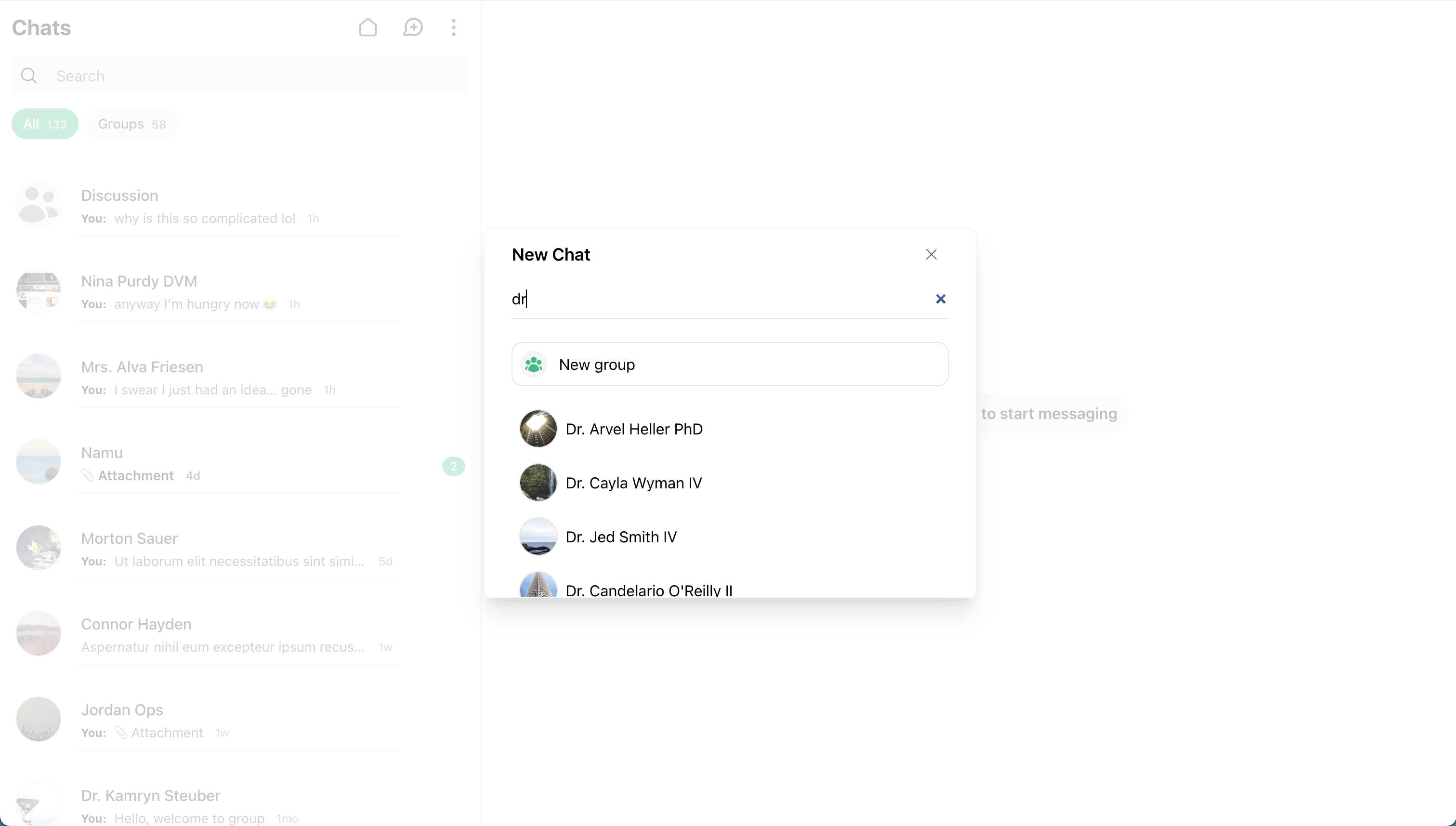
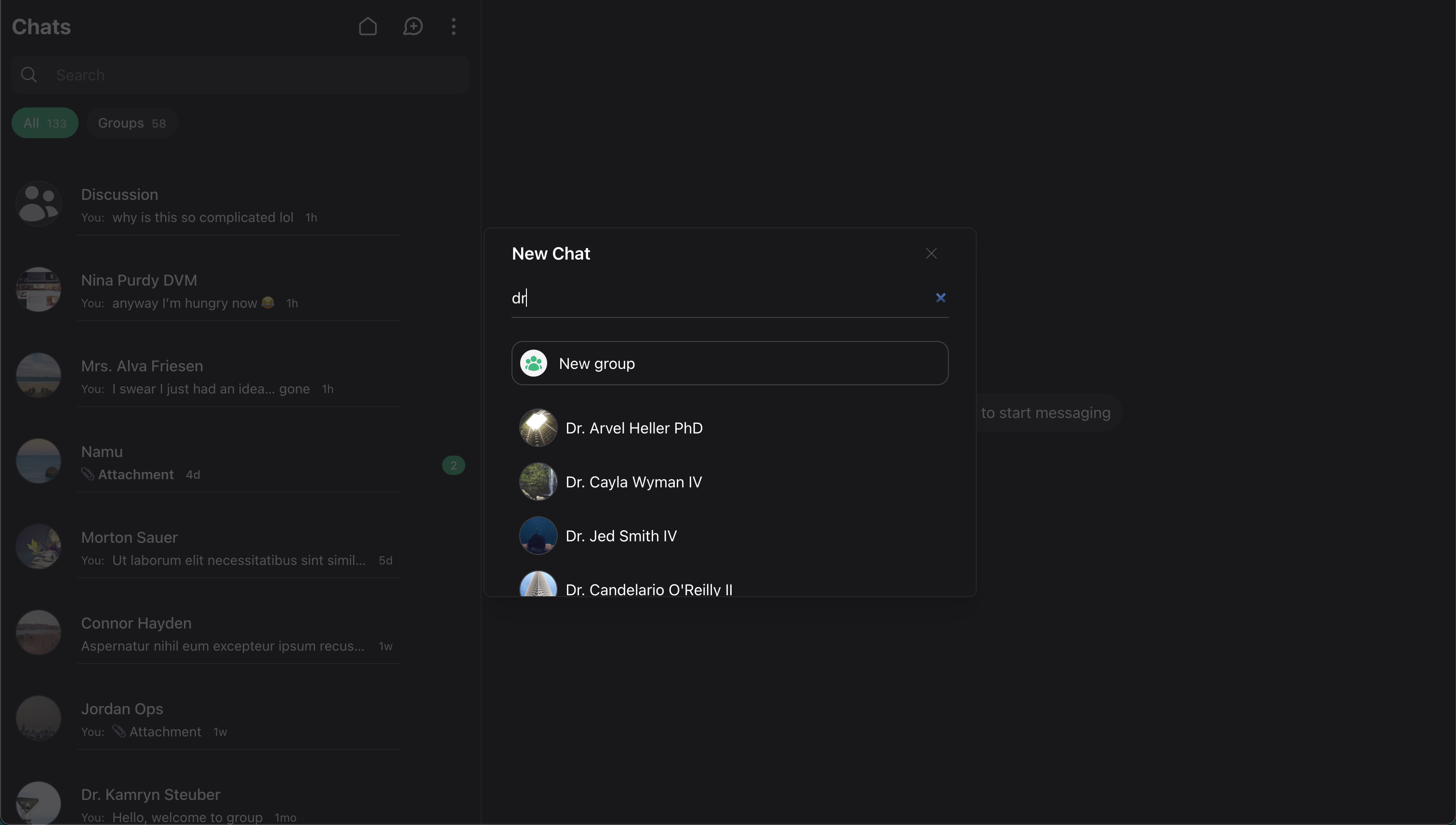 To allow users to create new chats, enable the action in your Wirechat panel:
use Wirechat\Wirechat\Panel;

public function panel(Panel $panel): Panel
{
    return $panel
        //...
        ->createChatAction();
}
Note: If disabled, users won’t see the option to create new chats in the UI.
Customize the header action icon and attributes on the Actions page.
-
Create Using the WireChat UI
- Click the Plus icon in the chat list.
- Search for and select a user. Customize Search.
- Click on the user’s name to open the private thread.
The default new-chat UI can also be used to start a message request flow, depending on how your application chooses to handle private chat creation. If you want the recipient to review the conversation before joining it, use the Message Requests flow.
- Creating a Private Chat Programmatically
With another user:
$otherUser = User::first();
$auth = auth()->user();
$conversation = $auth->createConversationWith($otherUser, 'Optional message');
With yourself:
$auth = auth()->user();
$conversation = $auth->createConversationWith($auth, 'Optional message');
Note: If a conversation already exists between the two participants, it will be returned instead of creating a new one.
Tip: If you need to customize the users returned from the search, visit the Searching Users page.
Deleting Chats
Deleting a chat removes it from your list and clears its messages. In private chats, it stays deleted unless a new message is sent or received.
Configure Delete Action
The delete action is disabled by default. You can enable it from your panel:
use Wirechat\Wirechat\Panel;

public function panel(Panel $panel): Panel
{
    return $panel
        //...
        ->deleteChatAction();
}
Note: Icon customization for this action is documented on the Actions page.
How to Delete
-
UI Instructions
- Open a chat.
- Choose Delete Chat from the menu or Chat Info.
-
Programmatically
$auth = auth()->user();
$conversation = $auth->conversations()->first();
$conversation->deleteFor($auth);
Note: When you delete a chat, other participants still keep their copy. A conversation is permanently removed only if all participants delete it or if it’s a self-chat.
Clearing Chats
Clearing removes all messages for you but keeps the conversation visible for other participants.
Configure Clear Action
The clear action is disabled by default for private chats. You can enable it from your panel:
use Wirechat\Wirechat\Panel;

public function panel(Panel $panel): Panel
{
    return $panel
        //...
        ->clearChatAction();
}
Note: The broader private chat action API is documented on the Actions page.
How to Clear
-
UI Instructions
- Open a chat.
- Select Clear Chat History from the menu or Chat Info.
-
Programmatically
$auth = auth()->user();
$conversation = $auth->conversations()->first();
$conversation->clearFor($auth);