
Emoji Picker
The emoji picker inserts native Unicode emoji into a text input or textarea.
Basic Usage
<textarea id="message"></textarea>

<x-corepine.emoji target="message" />
The target prop identifies the input or textarea that receives the selected emoji. It can match an element id, a nearby wire:model value, or a nearby x-model value.
target is not the popover anchor. The trigger button or trigger slot anchors the popover; target only tells the picker where to insert the selected emoji.
Cursor Position Insertion
Pass target when the emoji should be inserted at the cursor position in a specific text element:
<textarea id="message"></textarea>

<x-corepine.emoji
    target="message"
/>
This works well for chat composers, comment boxes, notes, forms, and any Blade UI where the user may insert emoji in the middle of existing text.
Livewire Fields
Keep wire:model on the textarea. The picker target can match the Livewire property name:
<textarea wire:model.live="body"></textarea>

<x-corepine.emoji target="body" />
The picker inserts into the textarea and dispatches an input event, so Livewire syncs from the textarea normally.
Use an element id for ambiguous layouts, such as a form with repeated fields using the same model name or a picker rendered far away from the field.
Triggered Picker
By default, the component renders a small trigger button and opens a popover:
<x-corepine.emoji target="message" />
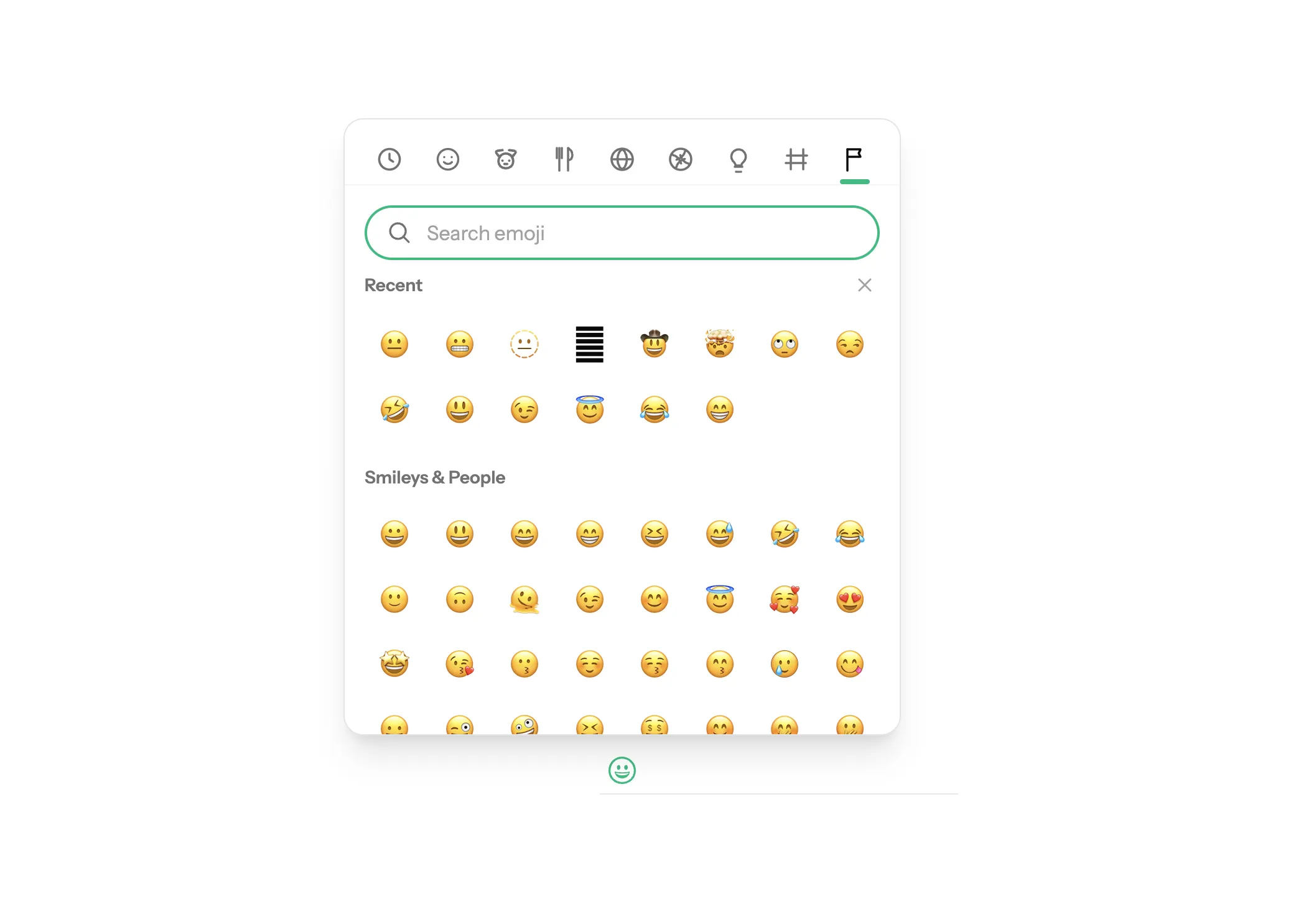
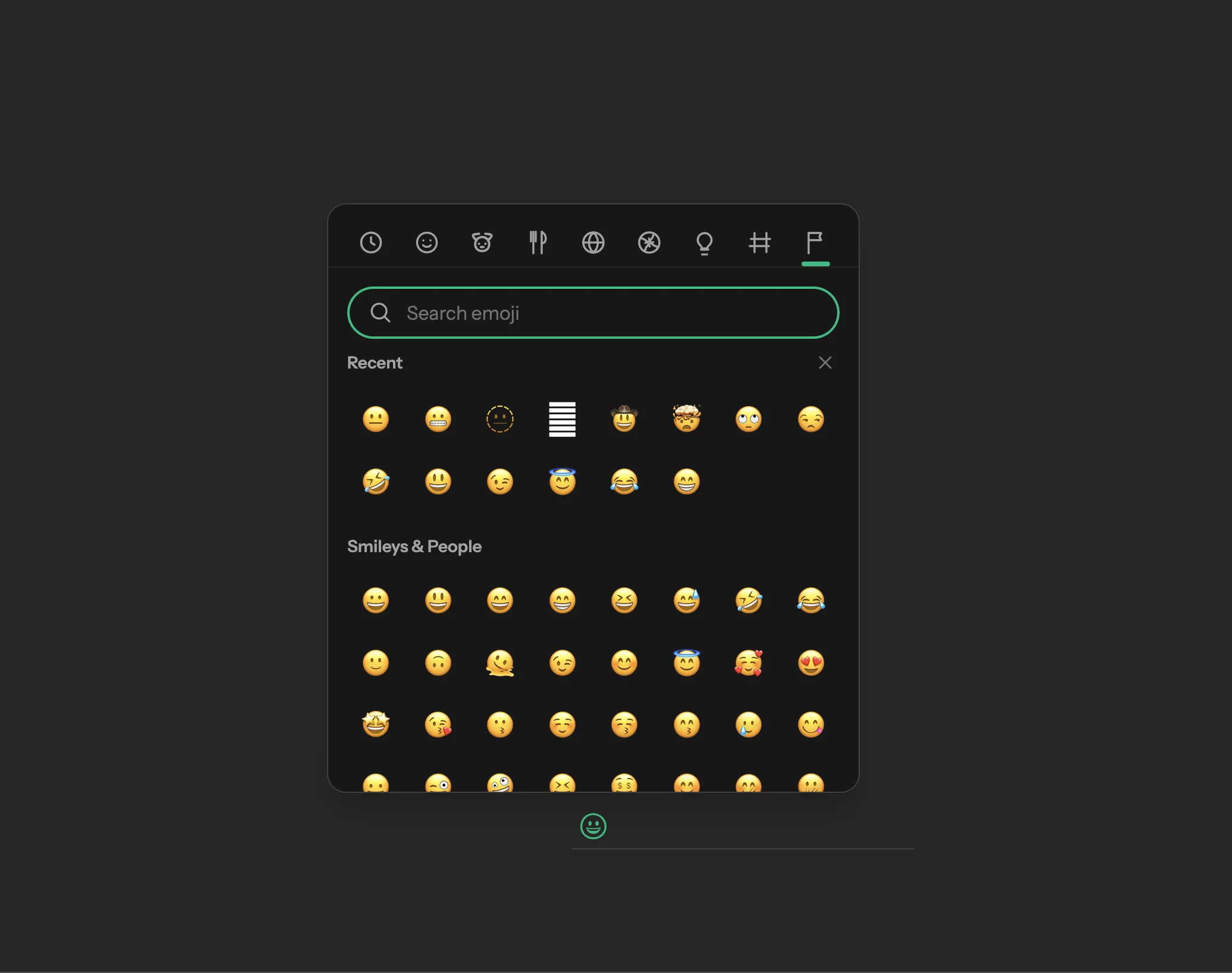
The popover supports search, categories, recent emoji, escape key closing, outside-click closing, and input updates.
Recent emoji are hidden until at least one emoji has been selected. Users can clear the recent row from the picker header.
The default trigger uses Alpine Anchor for popover positioning. If Anchor is not part of your Alpine setup, add it before using the default trigger.
Custom Trigger
Pass trigger markup through the slot:
<x-corepine.emoji target="message">
    <button type="button" class="rounded-full px-3 py-2">
        Add emoji
    </button>
</x-corepine.emoji>
The slotted trigger controls popover positioning and toggling. The target prop still points to the text element that receives emoji.
Inline And Docked Picker
Use :trigger="false" when another component controls the surrounding popover, or when the picker should stay docked inside a form, composer, drawer, or toolbar:
<div class="border-t border-zinc-200 p-3">
    <textarea id="message"></textarea>

    <x-corepine.emoji
        :trigger="false"
        target="message"
        class="mt-3 h-[420px] w-full rounded-xl"
    />
</div>
Browser Event
After a selection, the picker dispatches emoji.selected from the component root.
document.addEventListener('emoji.selected', (event) => {
    console.log(event.detail.emoji)
})
The event detail includes:
emojilabeltags
Event details: Events